I was wondering if it is possible to use Cases in the Application Model to switch between two Form Models and therefore present the same document differently?
- Navigate to the Module
- Create a new document or open an exisiting one
- Present document using the default Form Model
- User can switch between the options in the sidebar
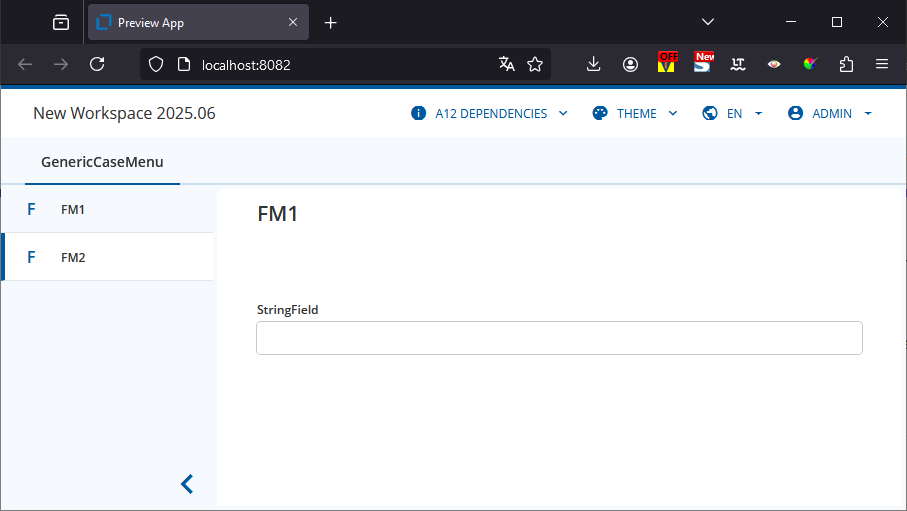
My actual use-case is that I want to be able to:
- Create relationship links with link documents easily and
- Compute using all the data in my data graph.
“1.” is most easily achieved with “standard” bindings as I only need to edit the Fields of the Link Document and these can be shown in a pop-up.
“2.” can only be achieved with a CDM and a CDM-based Form (which forces you to edit the Fields of the Link Document on the detached repeat screen).
As a result, I thought about using two different Form Models. A “standard” Form to create the links and enter the Link Document data and then a CDM based Form for the computations.
I’m sure that there will be problems with the data loading when switching between the FM and CFM but I can’t get my minimal models to work:
DM.json (1.3 KB)
FM1.json (2.3 KB)
FM2.json (2.3 KB)
OM.json (1.9 KB)
PreviewApp_AM.json (6.2 KB)
Have I made an incorrect assumption about Cases? done something wrong? found a bug? 