I have broker data model with some required fields (“name”, “zipcode”), I enabled full validation in my broker form for navigation button
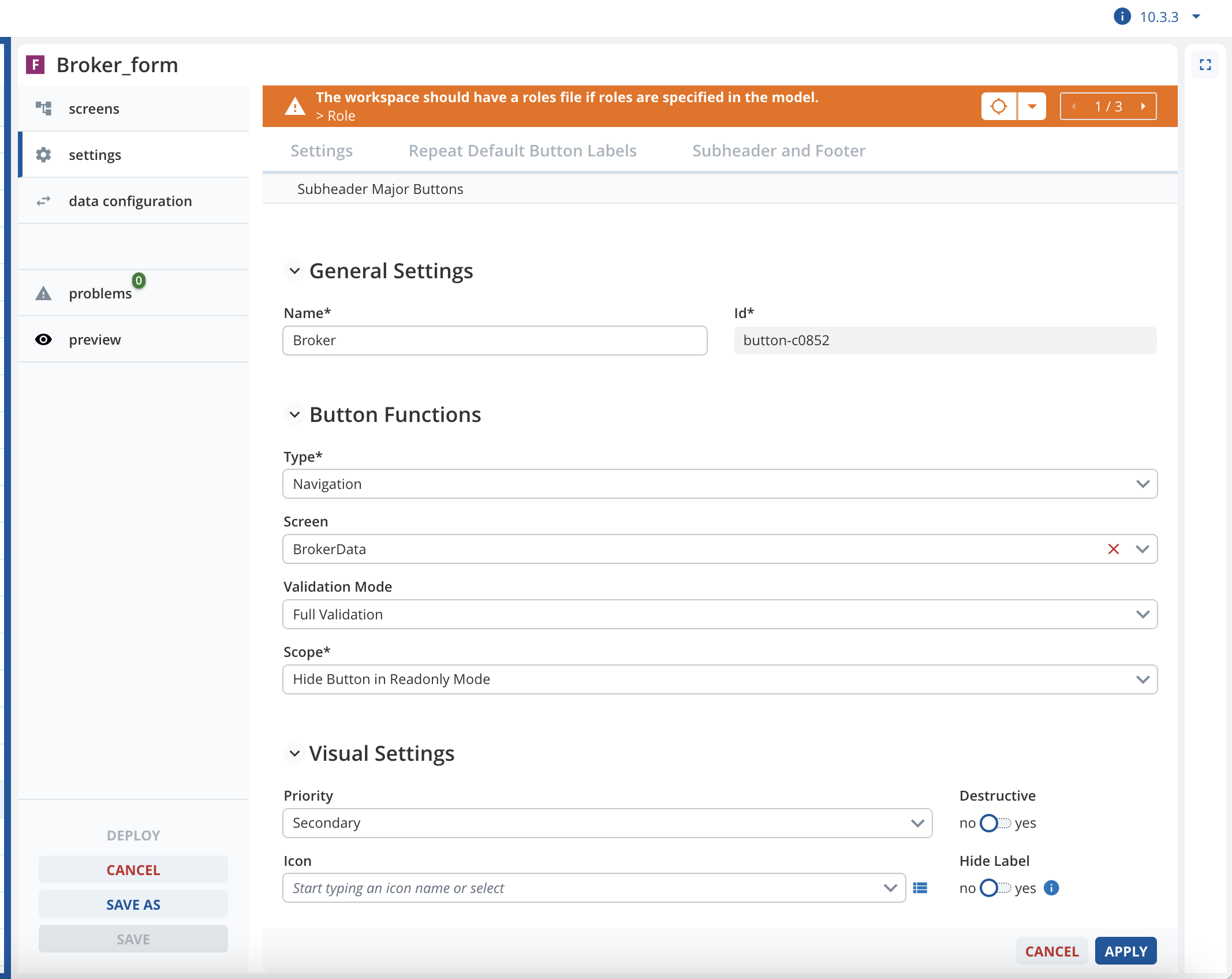
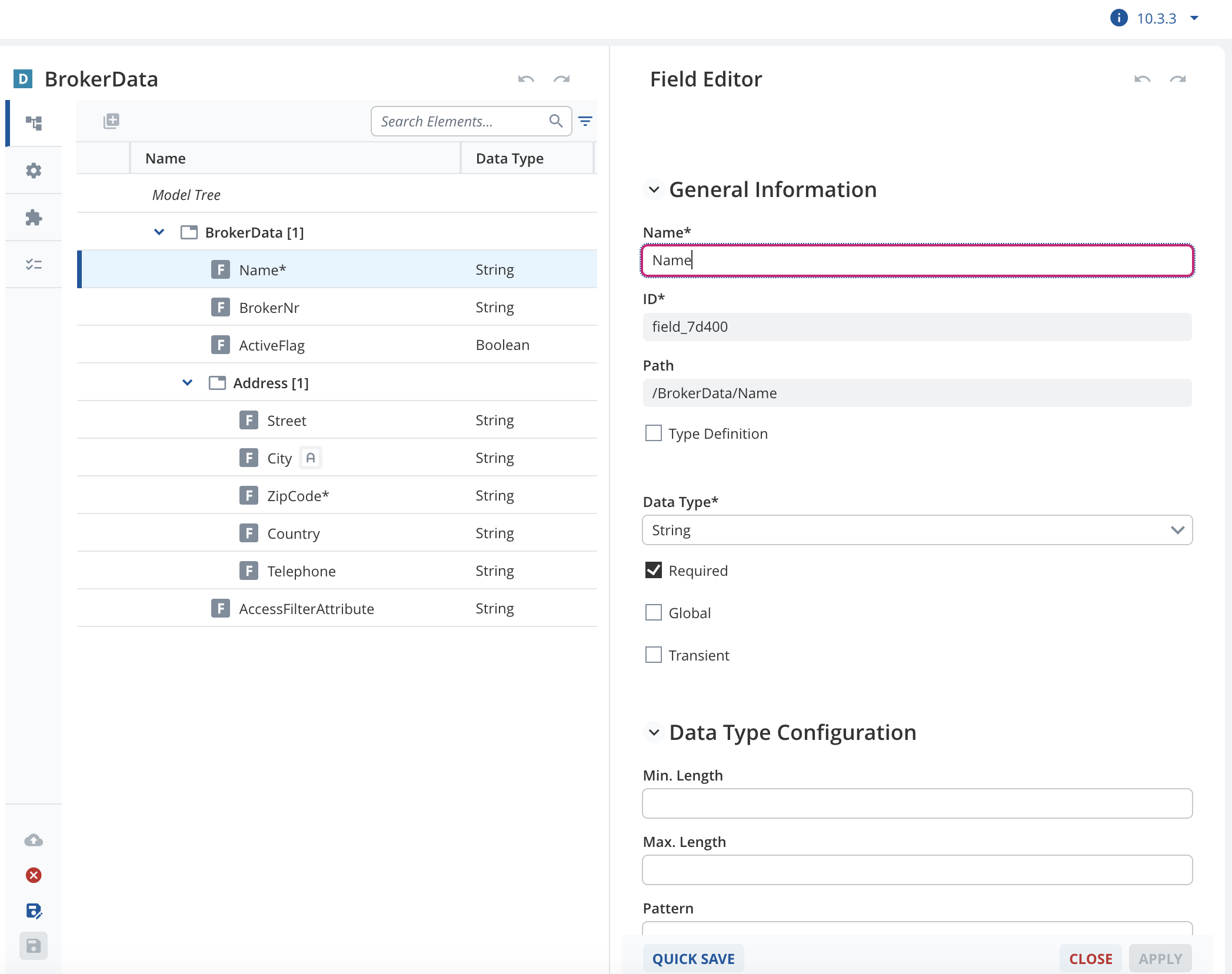
When I created new broker, without entering any data, the error message for required fields are not displayed.
I enter some values into required fields, out focusing of the fields, click save button and then go back clear those values, only this time after clearing the values and click on another fields, the error messages are displayed.
Versions I used:
“base-model-api”: “27.1.0”,
“client-core”: “14.4.0”,
“dataservices-access”: “36.3.6”,
“formengine-core”: “36.6.0”,
“kernel”: “28.5.0”,
“overviewengine-core”: “36.5.0”,
“uaa-authentication-client”: “7.4.1”
“widgets-core”: “36.5.0”,
There is no custom handling for saving broker in my client code
Expect: the validation of required fields are triggered whenever user click on save button.