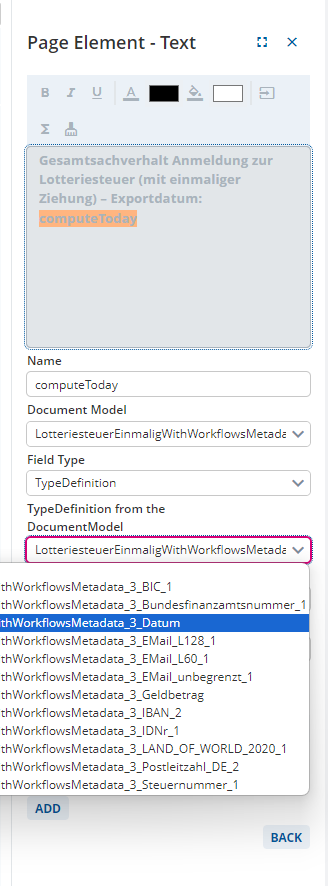
In a Print Model for a letter, I want to display the current date.
However, when I add a Text Element with a Calculation of type String for Today with a date format “dd.MM.YYYY” or “dd.MM.yyyy”, the date is not displayed in the desired output format in the print preview.
How can I display Today in the desired output format?
Put a date type definition in the document model and reference that in this computation.
Otherwise, my settings are the same as yours.
Interesting workaround @jasper-silent-root
Actually, it’s not a workaround but the suggested solution.  Currently, it’s the only possible way to handle this.
Thanks for the solution @jasper-silent-root - it works as intended!