Hey there,
we are on version 2022.06-ext4 right now and are using detached repeats in a form model.
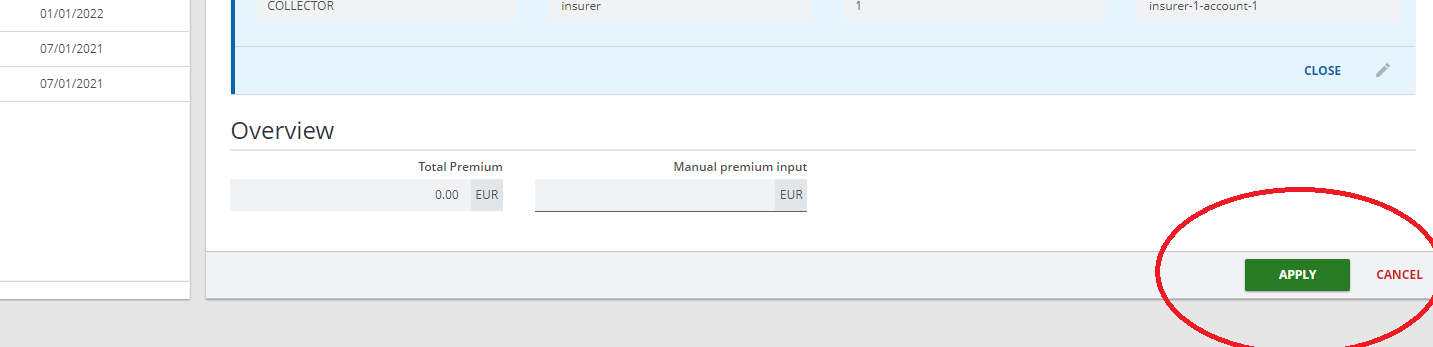
But he order of the default buttons seems odd to me, the primary button “apply” is left to the secondary button “cancel” on the right side of the footer (see screenshot). Those are the default detached repeat buttons and not buttons that we add to a (sub)footer. Shouldn’t it be the other way around? Is there any way to change the order of these buttons?
Kind regards
Chrissi
Hi @christina-soft-reed ,
We currently cannot model these button so that they have a different order as these buttons are default buttons. This is however something we are looking at as part of the Buttons headline for coming releases.
I do not know if the button order could be changed by a developer.
Hi @christina-soft-reed ,
I think the only way to change the order of the buttons is by customizing the form engine view, you need to use the Button Group Container. and you need to use the CRUD middleware for the FormEngine.
Then add the customized buttons group to the Module View.