Updated for 2024.06, what should I do if the Preview App doesn’t start?
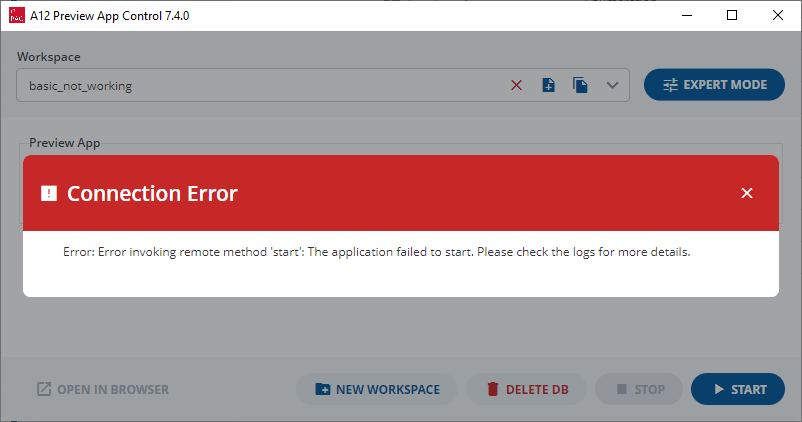
If you cannot start any workspace:
-
The Preview App creates a Database so you need to ensure that your installation folder has the correct Permissions.
-
As the Preview App also builds an index for the database (amongst other tasks) you need to ensure that your system meets the recommended System Requirements
Please note that you need to have enough available RAM and processing power so closing other applications may help.
If you cannot start a workspace that worked previously:
-
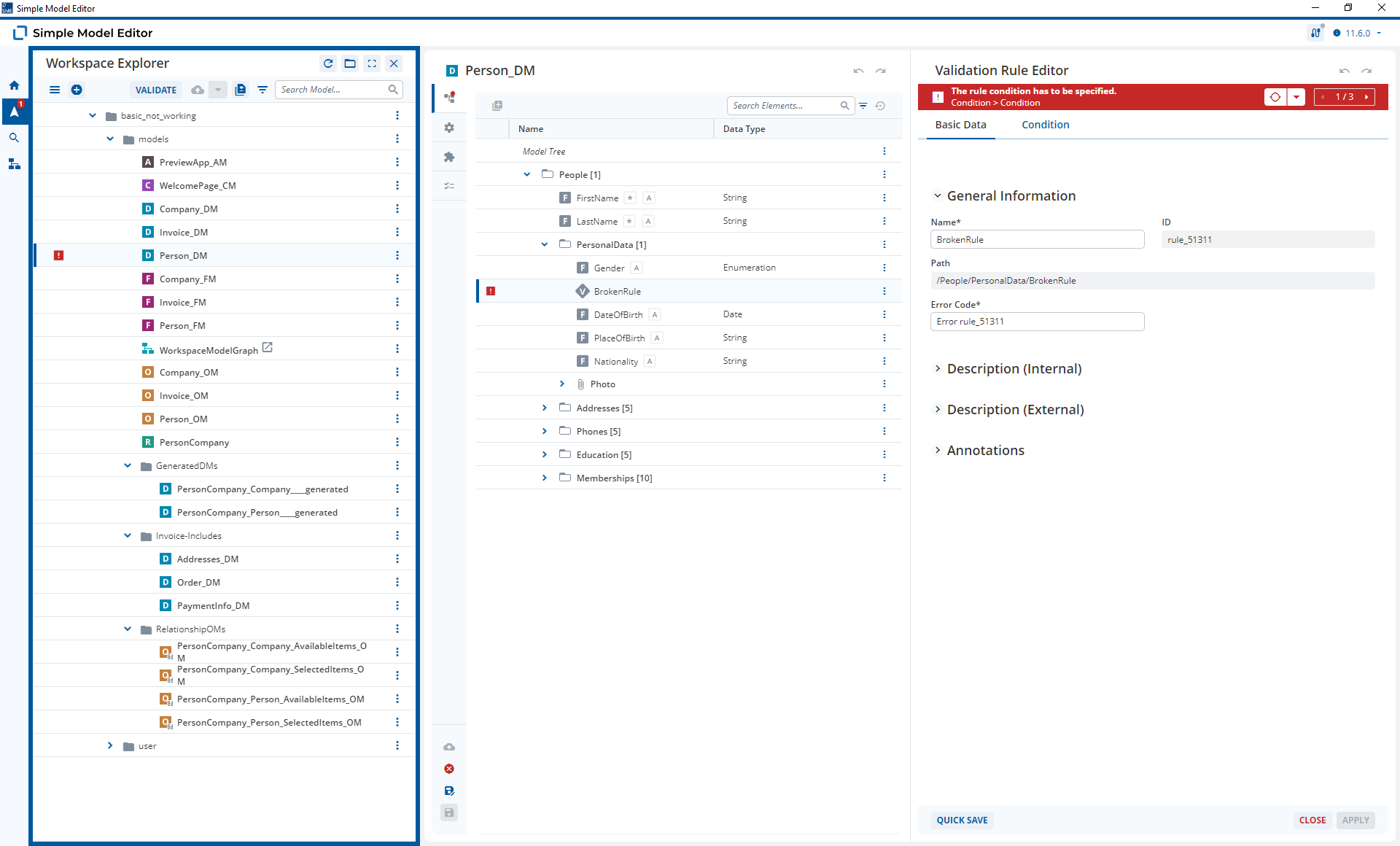
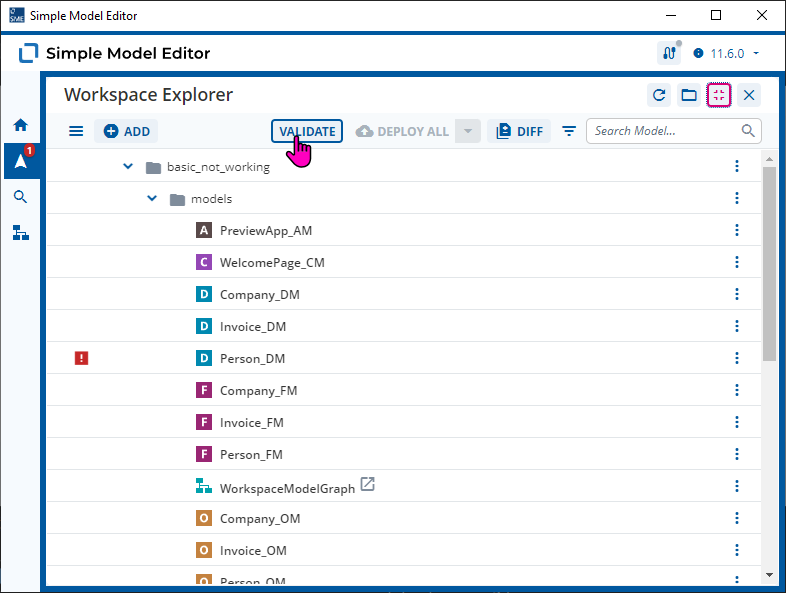
Check that your models are valid using the “Validate” button in the Simple Model Editor.
-
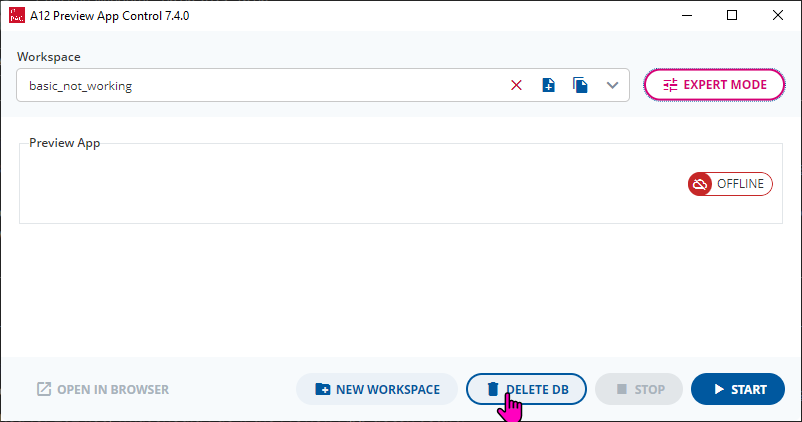
Delete the Database using the “Delete DB” button in the Preivew App Control. The background here is that the Preview App cannot start a broken database. Things like renaming Fields or changing the paths by re-organizing the Document Model will braek the Database structure.
Deleting the Database also means that the Preview App Control has less work to do on start-up.
-
Check the logs. These can be found in the Expert Mode.
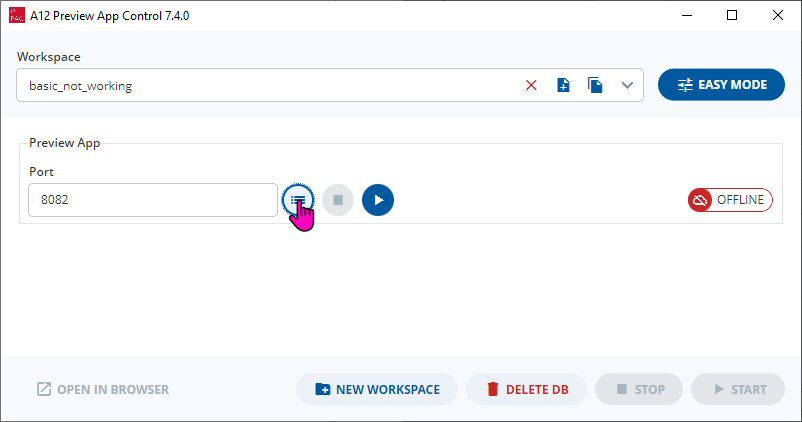
In my case I broke my Preview App by changing a Field Path when data was already present. As a result, I could see the following in the log.
[main                ][ERROR][g.springframework.boot.SpringApplication][u:] - Application run failed
com.mgmtp.a12.dataservices.utils.internal.DataServicesDocumentProblemReporterException: The validation of document of document model 'Person_DM' failed. For the entity instance '/People[1]/DateOfBirth[1]', the corresponding entity was not found in the corresponding document model.
Deleting the database resolved the issue.
It’s also possible to see an invalid model in the logs. For example,
 [main                ][WARN ][model.bulkload.BulkImportProblemReporter][u:] - Error while importing models
java.lang.IllegalArgumentException: Following errors were found while serializing the given document model: Rule with id 'rule_51311': The error condition is empty.
was logged when I ran an invalid workspace.