Hi everyone  ,
,
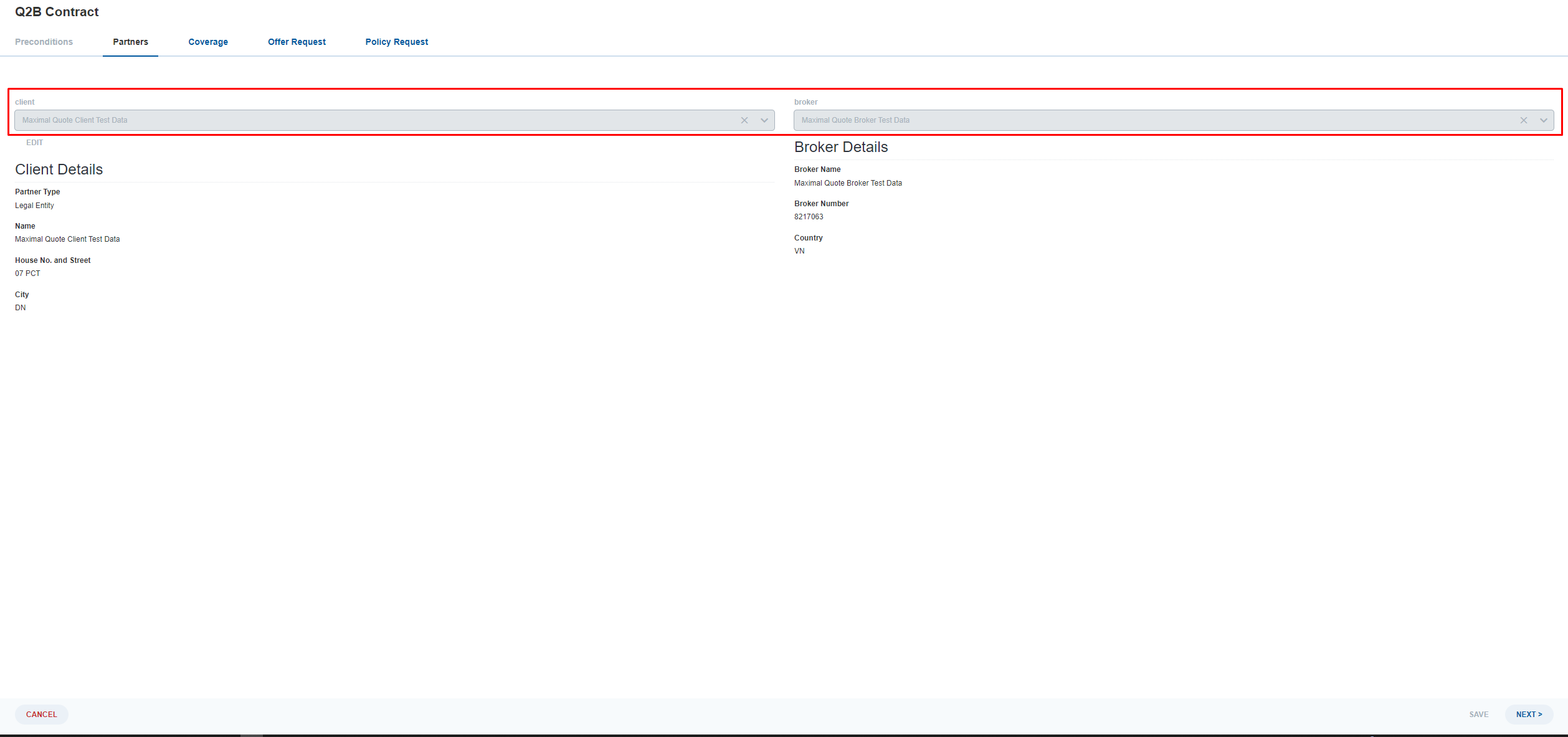
Recently a functionality has been introduced to display a Table List or Dual Pane in the read-only mode. To achieve that one must set the “Has Edit Modal” switch to “no” for the Binding in the Form Model in the SME. However, for Relationship drop-down lists this option doesn´t exist. Is there a possibility to customize the client code to display these drop-downs as read-only as well?
Hi @werther-veiled-cliff,
Thanks for the question. As you mention, you can add a Table List binding which is always displayed read-only. The switch “Has Edit Model” is part of the new Bindings editor which was released with 2023.06-ext3. The functionality has been there for significantly longer, you just need to add a Table List binding with no further component.
As a modeler, there is no other way to model a binding that to model a Table List binding. As the bindings are technically Custom Screen Elements, I guest your question is:
How can I set a Custom Screen Element to read-only?
Yes, basically how to set a Custom Screeen Element to read-only
Hi @werther-veiled-cliff,
As you mentioned you need to customize the Custom Screen Element, and to do that I think you need to render your customized
RelationshipCustomScreenElement component after checking for read-only prop conditionally as bellow:
const createFormModelMap = (activityId: string): FormModelMap => {
  return {
		...DefaultFormModelMap,

           CustomScreenElement: {component: (props: FormModelMap.FormModelComponentProps<FormModel.CustomScreenElement>) => (
				<RelationshipCustomScreenElement {...props} />
			)
		},
  }
}
The RelationshipCustomScreenElement implementation:
import * as React from "react";

import { FormModelMap } from "@com.mgmtp.a12.formengine/formengine-core/lib/view";
import { FormModel } from "@com.mgmtp.a12.formengine/formengine-core/lib/models";
import { RelationshipFormModelMap } from "@com.mgmtp.a12.client/client-core/lib/extensions/relationship";

interface IProps extends FormModelMap.FormModelComponentProps<FormModel.CustomScreenElement> {
	activityId?: string;
}

const RelationshipCustomScreenElement = (
	props: FormModelMap.FormModelComponentProps<FormModel.CustomScreenElement>
): React.JSX.Element => {
	//check for the dual pane model element name or id
	const condition = props.modelElement.id === "dual-pane-id";

	const newProps: IProps = {
		...props,
		config: {
			...props.config,
			renderOptions: {
				...props.config.renderOptions,
				state: {
					...props.config.renderOptions.state,
					ui: {
						...props.config.renderOptions.state.ui,
						readonly: condition
					}
				}
			}
		}
	};

      // The RelationshipFormModelMap already provides a custom screen element,
      // so it has to be returned (instead of the one from the DefaultFormModelMap)

	return <RelationshipFormModelMap.CustomScreenElement.component {...newProps} />;
};

export default RelationshipCustomScreenElement;
for more details please check the Relationship Engine integration
Hello @ahmad-warm-vale ,
thanks for your answer. This approach normally works for most components including Relationship Table Lists, but for me this doesn´t seem to work for the Drop Lists. I guess, this is the reason why in the SME the switch “Has Edit Modal” only appears for Table Lists but not for Drop Downs?
Hello @werther-veiled-cliff,
I’m sorry, but If it’s not working for the Drop Lists then I’m not sure if there is a different way to do it.
And I think it’s related to what you mentioned regarding the “Has Edit Modal” on SME.
Unfortunately, it’s unclear whether there is a way around in the Drown Down List section on the Client Relationship Documentation.
Can you provide your custom implementation?
In my project we’re using custom formModelMap for the client component and the drop-down list of relationships can be hidden/disabled based on the data field and user roles.
our implementation like:
export function CustomRelationshipSection(props: FormModelMap.FormModelComponentProps<FormModel.CustomScreenElement>): JSX.Element {
	const userPermissions = useSelector(UserPermissionsSelector())?.flatMap(role => role.name);
	const sectionDisplayBehavior: DisplayType | undefined = getDisplayBehavior(props.modelElement.annotation as FormModel.Annotation[],
	                                                                           props.config.renderOptions.state,
	                                                                           userPermissions);

	if (!sectionDisplayBehavior) {
		return <RelationshipFormModelMap.CustomScreenElement.component {...props} />;
	}

	if (isElementDisabled(sectionDisplayBehavior)) {
		const newProps: FormModelMap.FormModelComponentProps<FormModel.CustomScreenElement> = {
			...props,
			config: {
				...props.config,
				renderOptions: {
					...props.config.renderOptions,
					state: {
						...props.config.renderOptions.state,
						ui: {
							...props.config.renderOptions.state.ui,
										disabled: true
									}
								}
							}
						}
		};
					return <RelationshipFormModelMap.CustomScreenElement.component {...newProps} />;
	}

	if (isElementHidden(sectionDisplayBehavior)) {
		return <></>;
	}

	return <RelationshipFormModelMap.CustomScreenElement.component {...props} />;
}
and formModelMap:
export function formModelMap(): FormModelMap {
	return {
		...DefaultFormModelMap,
		...RelationshipFormModelMap,
		CustomScreenElement : {
			component: CustomRelationshipSection
		},
	};
}
and the result:
Hi @nhat-round-cloud ,
thanks for your answer
See below the approach I´ve implemented. I´ve tried to disable the component but nothing happens although the code is called 
const CustomFormModelMap: FormModelMap = {
    ...DefaultFormModelMap,
    ...RelationshipFormModelMap,
    CustomScreenElement: {
        component: RelationshipCustomScreenElement

    }, Screen: { component: CustomScreen },
    Section: { component: CustomSection },
    Control: { component: CustomControl },
    Row: { component: CustomRow },
    EventButton: { component: CustomButton },
    TextCell: { component: CustomTextCell },
    FieldOverviewColumn: { component: CustomFieldColumn },
    InlineRepeat: { component: CustomInlineRepeat }
};


....


export function RelationshipCustomScreenElement(props: FormModelMap.FormModelComponentProps<FormModel.CustomScreenElement>): JSX.Element {
    console.log("this part always gets called")
    const newProps: any = {
        ...props,
        config: {
            ...props.config,
            renderOptions: {
                ...props.config.renderOptions,
                state: {
                    ...props.config.renderOptions.state,
                    ui: {
                        ...props.config.renderOptions.state.ui,
                        disabled: true
                    }
                }
            }
        }
    };
    return <RelationshipFormModelMap.CustomScreenElement.component {...newProps} />;
};
I´m sorry, I had the switch “Has Edit Model” = false enabled, so I need to correct: It works for all components (Secttions, InlineRepeats, FieldColumns, Controls…, etc…) except for CustomScreenElements which are defined as Relationship bindings. I guess once these are defined as Relationships the Engine completely rerenders them regardless of how you customize them.
The approach mentioned above by @nhat-round-cloud works for CDMs but not for normal Relationship Bindings. After reaching out to TPS, @ondrej-virtual-peak had the solution: The internal class FormEngineCustomWidgets sets the “disabled” property for CustomScreenElements by taking your overridden props, but only does it for CDMs. So for plain Relationships, you must override the corresponding section from the function “CustomScreenElement” in your custom Form Engine. The final implementation looks like this:
const CustomFormModelMap: FormModelMap = {
    ...DefaultFormModelMap,
    ...RelationshipFormModelMap,
    CustomScreenElement: {
        component: CustomRelationshipSection
    },

....

export function CustomRelationshipSection(props: FormModelMap.FormModelComponentProps<FormModel.CustomScreenElement>): JSX.Element {
    const { activityId } = useContext(ViewViews.ActivityContext) ?? {};
    const isCondition = props.modelElement.id === "customscreenelement_545d1"
    && props.config.renderOptions.state.ui.readonly == true   //if you only want to show the disabled mode in read-only mode;
    if (isCondition) {
        return (<div>
            <RelationshipEngineConnected
                activityId={activityId!}
                disabled={true}
                instanceId={props.modelElement.id}
                attachmentHandler={props.config.renderOptions.config.attachmentHandler}
            />
        </div>);
    }

    return <RelationshipFormModelMap.CustomScreenElement.component {...props} />;

}
So if you´re dealing with CDMs, refer to @nhcnguyen´s approach, and for plain Relationships use the code block from this comment.