Hi modeling friends,
I have an inline repeat and I want to use filters. For enumerations that filter “destroys” the whole table, aka “you don’t see the table anymore because the table header got so large” 
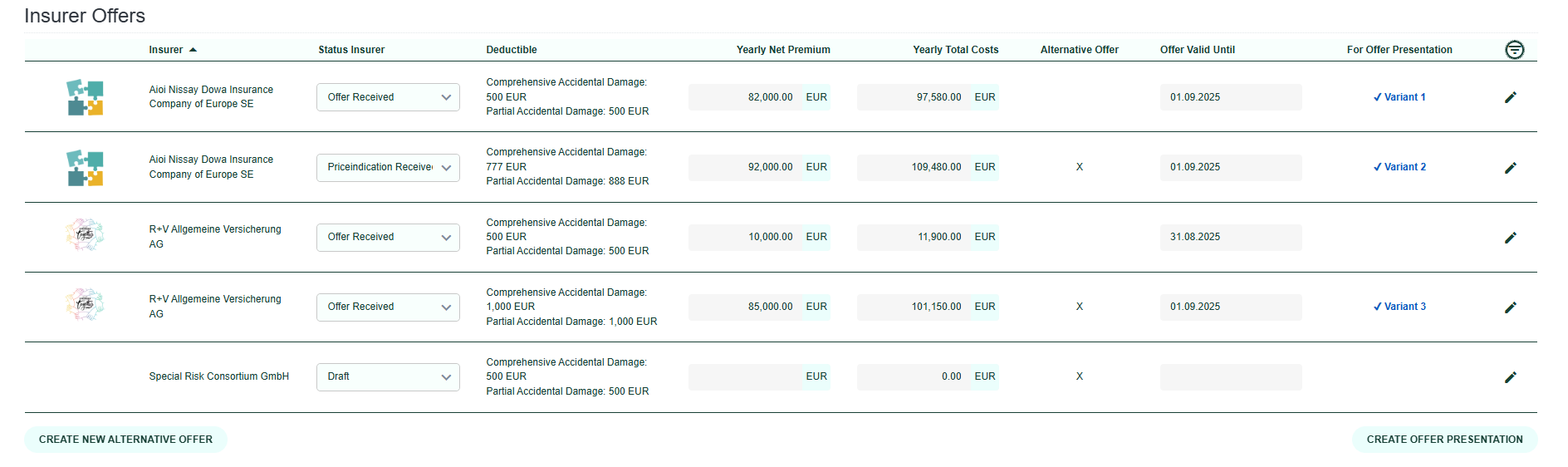
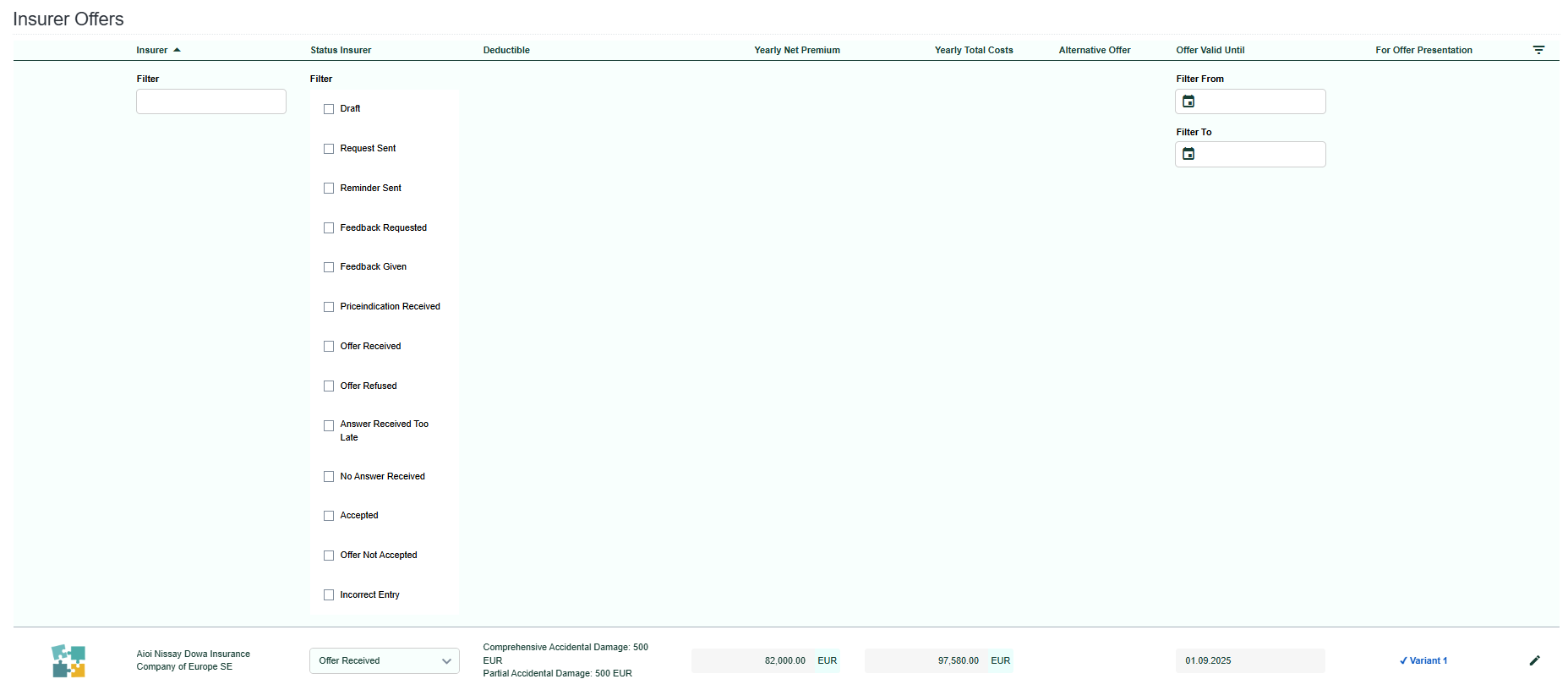
Are there any ideas around on how to improve that?
- The filter widget in the overviews is designed as modal. Is that an option also for repeats?
- A dropdown as single- (or multi-) select would be the best option for my case…
Cheers,
Bianca
Hi @bianca-firm-knoll,
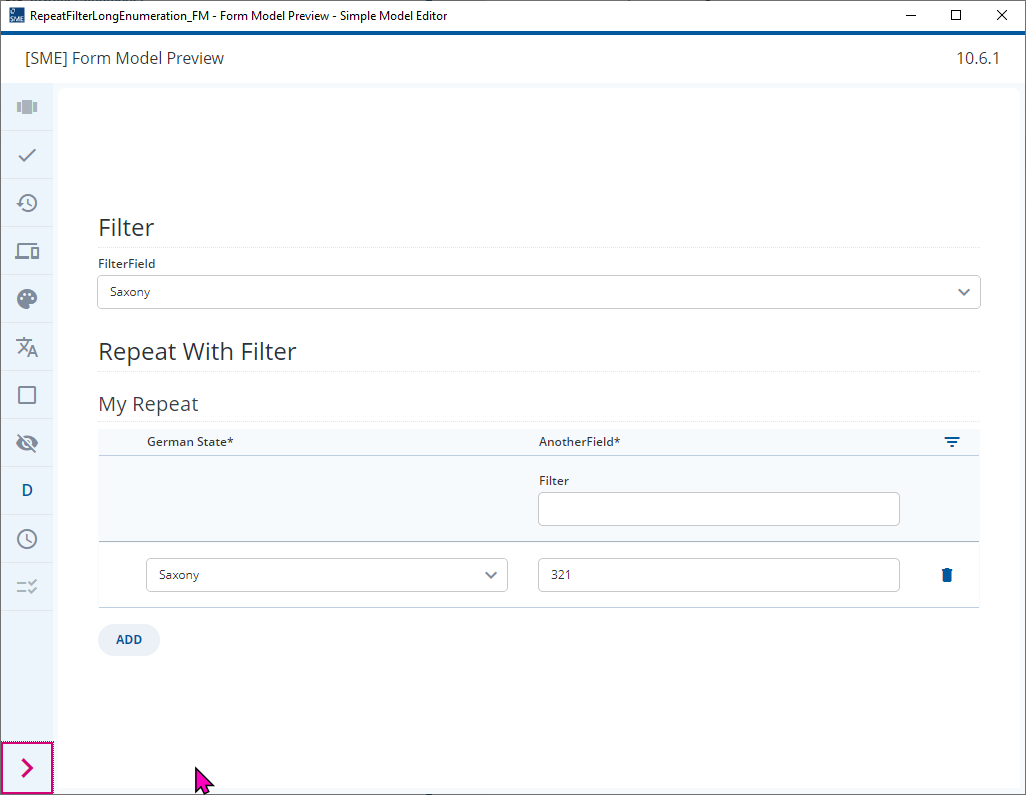
What about this…
- Add a (transient) Field, “FilterField”, to the parent Group of your Repetable Group in your Document Model.
- Use a Type Definition for “FilterField” so the Enumeration Value from your Repeat are used for this field too.
- Use the Value of “FilterField” to compute a further transient field in your repeat
[Bundesland] == [../FilterField] -> True
- Add a repeat with a Filter Expression to your Fomr Model
[Filtered] = "true"
- Use control dependencies to only show this filtered repeat when the filter is set.
I’ve modeled this in 2023.06-ext6
Bundeslaender.json (7.0 KB)
RepeatFilterLongEnumeration_DM.json (6.8 KB)
RepeatFilterLongEnumeration_FM.json (6.8 KB)
Alternatively, speak to a Developer and ask if it is possible to adjust the widget map for the filter.
Thank you, @Malcolm! I will check out your models as soon as I’ve finished my other (more pressing) tasks!
(from reading the description I couldn’t make out the solution yet  )
)