Moin everybody,
I want to programmatically provide the modelDescriptors for an Overview that should be rendered in a custom view provider.
I see that theoretically it could be provided like this:
<OverviewEngineFactories.ViewComponent modelDescriptors={[{modelType: "overview", name: "MyEntity_OM"}]} name={name} activityId={activityId} cardView={true} />
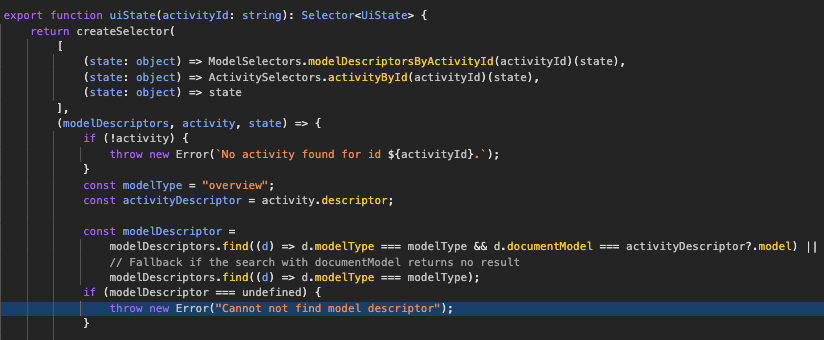
But in reality it seems to ignore the prop provided. Underneath only the model descriptors from the state are selected (see @com.mgmtp.a12.overviewengine/overviewengine-core/lib/main/client-extensions/internal/selectors.js:104:23).
This becomes an issue, because I don’t provide them in the App Model.
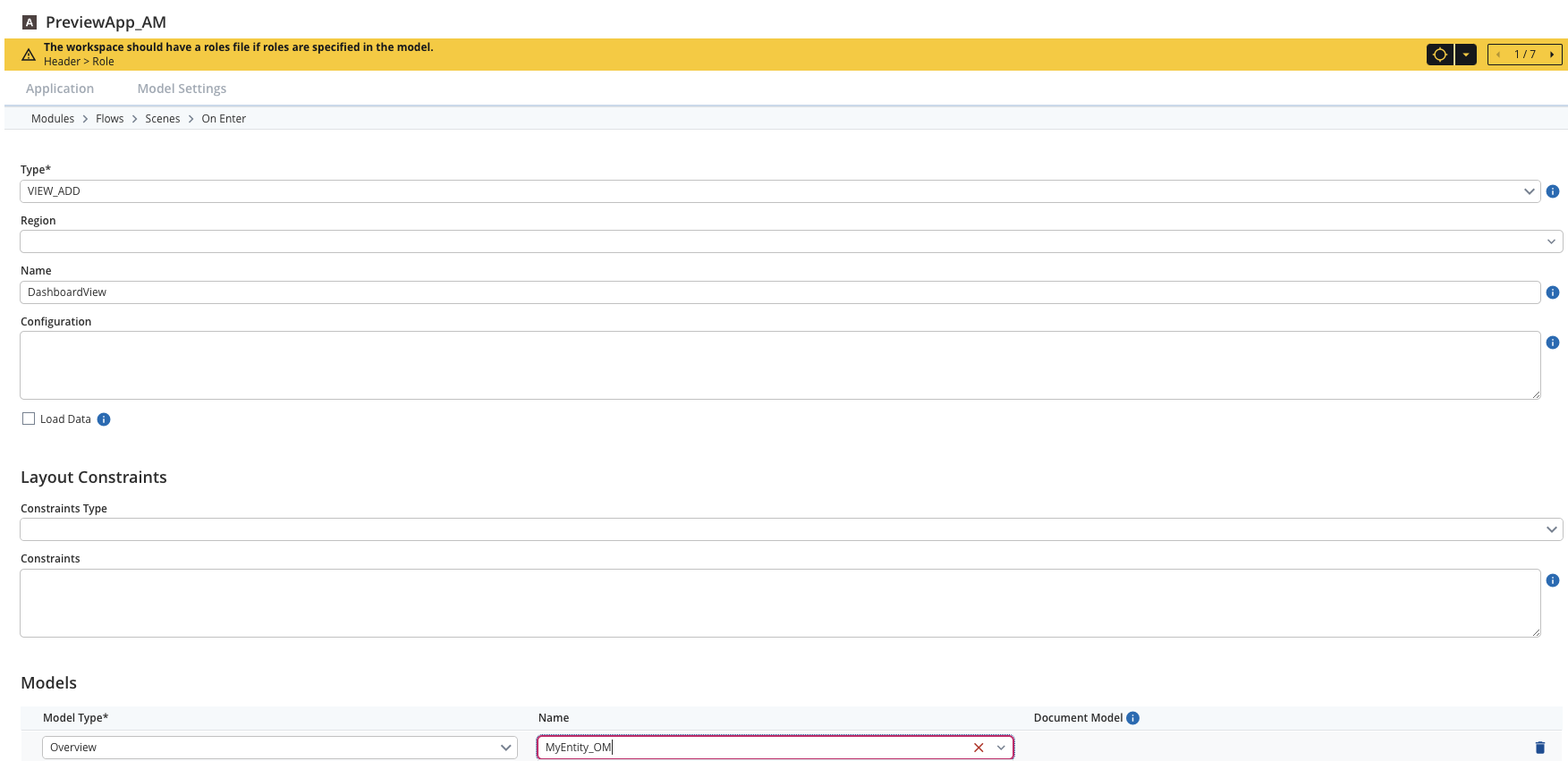
I am aware that I could configure them via the App Model like the following, but this only works for one overview engine in a scene and I have multiple ones: I want to provide it in code, to display different overviews, and use different Overview Models, based on a condition.
It would be great, if someone could tell me, what I am missing here.
 We are using Overview Engine version 37.1.0
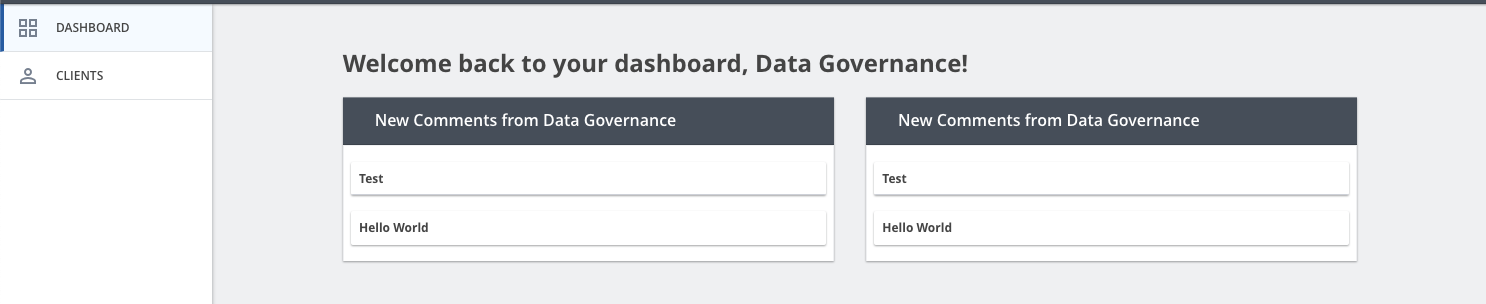
This is how my view looks right now:
Only one Overview Model is taken by the App Model “VIEW_ADD” models configuration.
I talked to another colleague and we found a solution that might fulfill my requirements.
The Client Dev App already provides something very similar, therefore I will check on this and implement my Dashboard with Overviews as necessary.
I am going to update this post with the necessary solution when I’ve implemented it.
Moin everybody,
A follow-up to my old post:
What I wanted to actually achieve
I needed multiple overview engine activities in one screen. My first approach was wrong, because I wanted to just render multiple overviews without additional activities.
My solution approach
For the dashboard I wanted to display I adjusted my App Model to define views for each overview. The descriptor of my dashboard module contains a value “DashboardMultipleActivities” that I use in a custom saga to identify the scene in which I need the multiple overviews.
My saga then basically dispatches the corresponding overview activity actions as follows:
import { AnyAction } from "redux";
import { SagaIterator } from "redux-saga";
import { put, takeLatest } from "typed-redux-saga";
import { Action } from "typescript-fsa";

import { ActivityActions } from "@com.mgmtp.a12.client/client-core/lib/core/activity";

import { DASHBOARD } from "../utils/constants";

export function* createMultipleActivitiesForDashboard(): SagaIterator<void> {
    yield* takeLatest(
        (a: AnyAction) =>
            ActivityActions.push.match(a) && a.payload.activity.descriptor.feature === "DashboardMultipleActivities",
        handleCreateMultipleActivitiesForDashboard
    );
}

function* handleCreateMultipleActivitiesForDashboard(action: Action<ActivityActions.PushPayload>): SagaIterator<void> {
    yield* put(
        ActivityActions.create({
            activityDescriptor: { module: DASHBOARD, element: "Welcome" },
            loadingState: "missing",
            initiatingActivityId: action.payload.activity.id
        })
    );
    yield* put(
        ActivityActions.create({
            activityDescriptor: { module: DASHBOARD, element: "OverviewLeft" },
            loadingState: "missing",
            initiatingActivityId: action.payload.activity.id
        })
    );
    yield* put(
        ActivityActions.create({
            activityDescriptor: { module: DASHBOARD, element: "OverviewRight" },
            loadingState: "missing",
            initiatingActivityId: action.payload.activity.id
        })
    );
}
This way based on my App Model modules the correct overview activities were created.