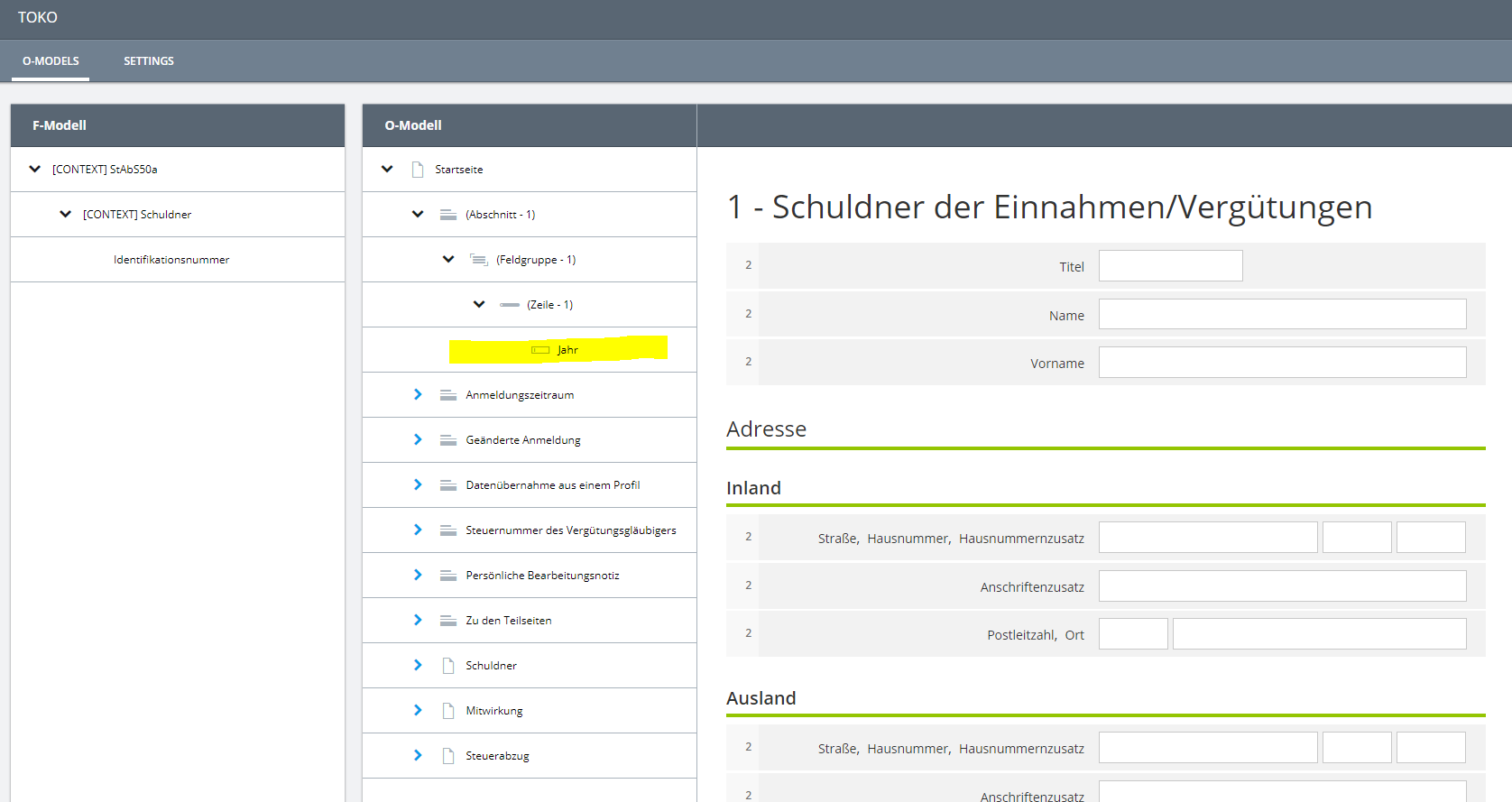
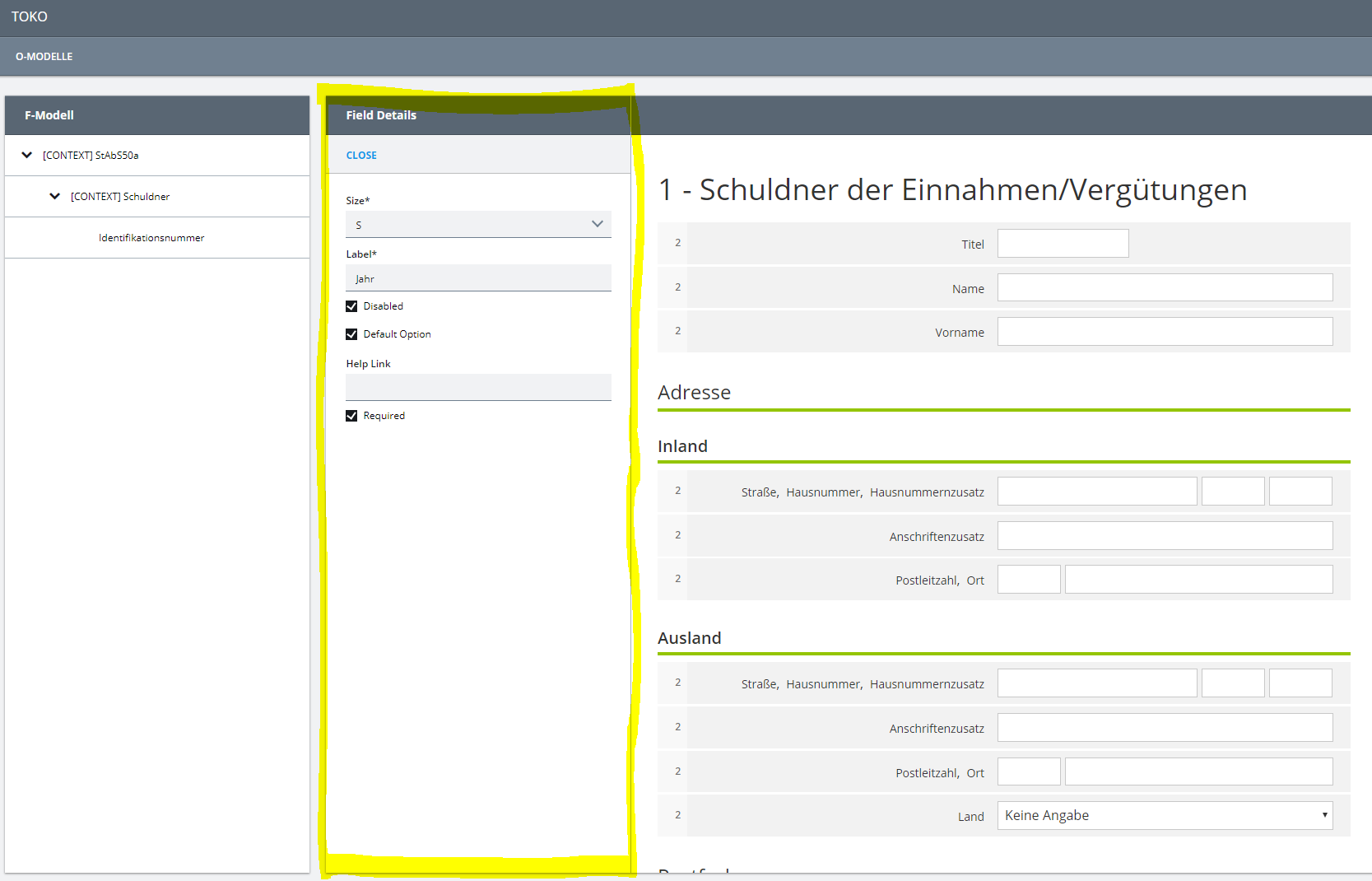
I just finished a first version of a “Router” for the <PROJECT_NAME> Editor and want to leave it here for inspiration, if someone else struggles with similar requirements.
Our primary goal in the <PROJECT_NAME> project is that the result of a site-refresh action should not be too unexpected. An ideal solution would also provide an intuitive back- and forward-navigation using the browser and show a self-descriptive URL (buzzword: Deep-Linking).
As mentioned before, the difficulties are showing up when dealing with nested activities. If not, one could also make use of the Deep-Linking-Extension. My implementation of a Router is also inspired by this extension and I am using the same Actions to trigger side-effects:
export function* routingSagas() {
  // push a state to the history when activities get added or removed
  yield takeLatest([ActivityActions.push, ActivityActions.cancel], createRoute);
  // start activities that match the current url when the application loads / reloads
  yield takeLatest(ApplicationActions.loading, applyRoute);
  // watch for foreign history state transition
  yield takeLatest(ApplicationActions.loading, registerPopstateHandler);
}
Creating a Route
Unlike with the Deep-Linking-Extension, I am using of the HTML5 History API to push new routes, which enables me to store a stack of location states. A history entry is not only an URL but also a title and a (serializable) data object, so, technically, one could put all activities in the data object of the pushed state…
history.pushState({ activities }, ...state);
But I am currently using the URL part to store all relevant informaton, so that a user can work with the URL himself (like making a bookmark or sending it to another user).
For every activity I am storing an URL that represents the corresponding scene with all needed params, for example:
{ route: "my-usecase:param1:param2", ...activityReference }
That way I can also describe nested activity concepts, like the <PROJECT_NAME> setup. Real world example:
// parent activity
{ route: "o-model:oModelId", ...activityReference }
// nested activity
{ route: "o-model:oModelId/field:omFieldId", ...activityReference }
// another nested activity
{ route: "o-model:oModelId/section:omSectionId", ...activityReference }
The createRoute Saga is looking for the most actual activity, and if none is present it will wait for the next activity to be pushed. Then it will look for a route that is matching the activity, build an URL with the descriptor parameters, and finally push a new state to the history:
function* createRoute() {
  let activity: Activity | undefined = yield select(ActivitySelectors.latestActivity());
  while (!activity) {
    yield take(ActivityActions.push);
    activity = yield select(ActivitySelectors.latestActivity());
  }
  const route = routes.find((r) => isMatchingDescriptor(r, activity.descriptor));
  if (!route) {
    throw new Error(`CreateRouteError: no matching route found for activity ${activity.id}.`);
  }
  const encodedRoute = route.replace(/\:\w*/g, (key) => `=${activity.descriptor[key.substring(1)]}`);
  const absoluteUrl: URL = new URL(`${baseClientUrl}${encodedRoute}`, location.origin);
  if (absoluteUrl.href !== location.href) {
    history.pushState({}, "", absoluteUrl.href);
  }
}
The crucial part is how the routes gets found by an activity reference. My first approach was to extend the ApplicationModel and store a route for every scene, but later I decided to introduce a custom structure element to link the route references (see last paragraph “Defining the Routes”).
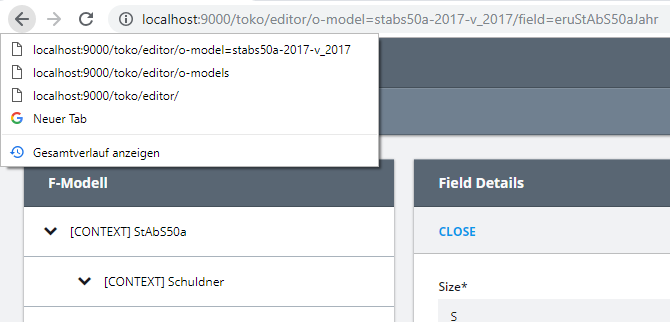
However, the result is a beautiful, self-descriptive URL and a history stack:
Note that pushing a state like this does not trigger a request or reloading.
Further, I have to mention, that using this kind of URLs (without “#”) requires a server setup that will forward all URLs to the same index.html. (This is a common practice, if delivering a Single-Page-App.)
Applying a Route
When the application gets loaded or reloaded and is startet with a blank state, the applyRoute Saga should re-create the needed activities to show the scene that matches the route.
Notice how it iterates over the relevant routes …regarding the URL example above, it would search for the following routes:
- o-model=stabs50a-2017-v_2017
- o-model=stabs50a-2017-v_2017/field=eruStAbS50aJahr
function* applyRoute() {
  if (!location.pathname.startsWith(baseClientUrl)) {
    // not handling URLs that don't match the pattern
    return;
  }
  const fullRoute = location.pathname.substring(baseClientUrl.length);
  if (fullRoute.length === 0) {
    // not starting activities if the base URL is called
    return;
  }
  const relevantRoutes: string[] = [];
  fullRoute.split("/").reduce((accRoutes, curSplit) => {
    const relevantRoute = accRoutes.concat(curSplit);
    relevantRoutes.push(relevantRoute);
    return relevantRoute.concat("/");
  }, "");
  for (const relevantRoute of relevantRoutes) {
    const regex = new RegExp(relevantRoute.replace(/\=[^\=\/]*/g, "\\:\\w*"));
    const route = routes.find((r) => Boolean(r.match(regex)));
    if (!route) {
      throw new Error(`ApplyRouteError: ${relevantRoute} is not a defined route.`);
    }
    const params = {};
    const values = relevantRoute.match(/\=[^\=\/]*/g);
    const keys = route.match(/\:\w*/g);
    if (values && keys) {
      keys.forEach((key, i) => {
        Object.assign(params, { [key.substring(1)]: values[i].substring(1) });
      });
    }
    yield put(ActivityActions.create({ activityDescriptor: getDescriptor(route, params) }));
  }
}
This implementation is working, but has the potential for improvement…
-
The Error-Handling could also (or maybe should) trigger a 404 Site.
-
The creation of the descriptor (especially its params) relies heavily on the consistency of the routes with the activity descriptor. Thats why I felt like I needed a better structure for the relating code parts…
Defining the Routes (and Structuring the Code)
The mentioned consistency is not the only reason for the following structure changes. I personally have a desire to structure my code as domain-driven as possible and I always stumbled on the following related code parts:
- The ApplicationModel: I don’t want to define a monolytic representation model of my whole application, but rather divide it into the scenes that belong to specific domains (or usecases, or components).
- The Actions that create new activities: I found that a descriptor looks always the same for a certain activity, but it relies on some magic strings defined in the ApplicationModel (for example the name of model).
- The Views defined in a scene: Again strings that need to match exactly and are defined in two independent locations.
- The Sagas and DataLoaders that handle the ActivityActions: For nearly all activities I am writing at least a Saga that handles the loading-action and I sometimes forget to register it.
- Conditions defined in these Sagas: In the
canHandle function I am writing conditions that mostly match the scenes matchConditions and the activity descriptor too.
I don’t want to start a discussion here, these statements are the result of my very subjective thoughts. Nevertheless, it seems to me like a good practice to gather all these parts and put it into the appropriate usecase directory, in the context of a route:
interface Route<Params> {
  scene: ApplicationModel.Scene;
  route: string;
  containerMap: { [name: string]: React.ComponentType<View> };
  dataLoaders: DataLoader[];
  platformSagas: ApplicationSaga.Descriptor[];
  customSagas: (() => SagaIterator)[];
  getDescriptor(params: Params): Activity.Descriptor;
  isMatchingDescriptor(descriptor: Activity.Descriptor): boolean;
}
Listening to popstate
At this point our primary needs are already satisfied, but building up an application-intern history of routes leads to the assumption that a user can use it for navigation.
There is a built-in event handler that can be implemented to react to back- and forward-navigation. I guess, it would be possible to reuse existing activities and cancel or push only the activities that are affected, but I implemented a very simple solution that suites our requirements for now:
function registerPopstateHandler() {
  window.onpopstate = () => {
    location.reload();
  };
}