Hi!
I want to add a filter expression to an inline repeat with attachment , but unfortunately this does not work as expected.
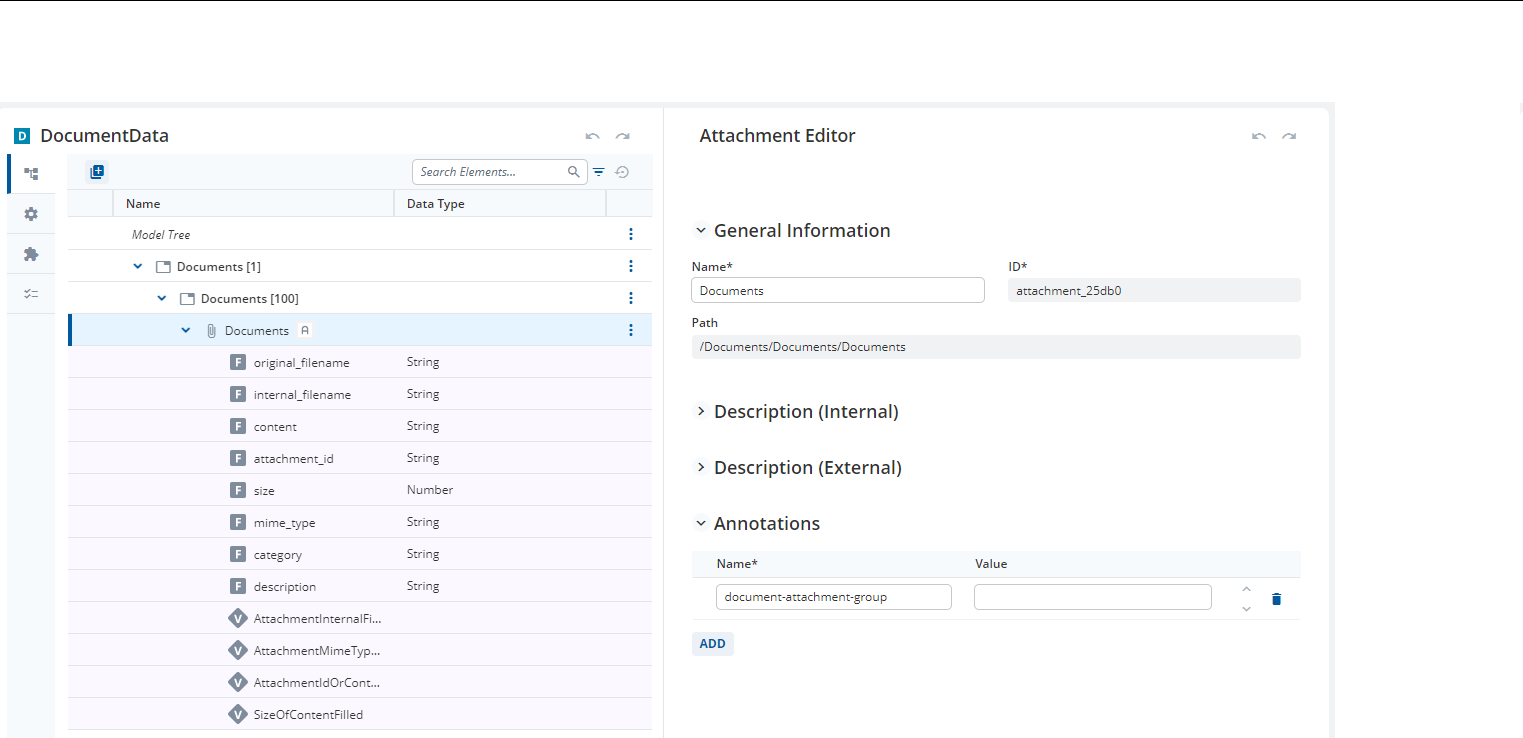
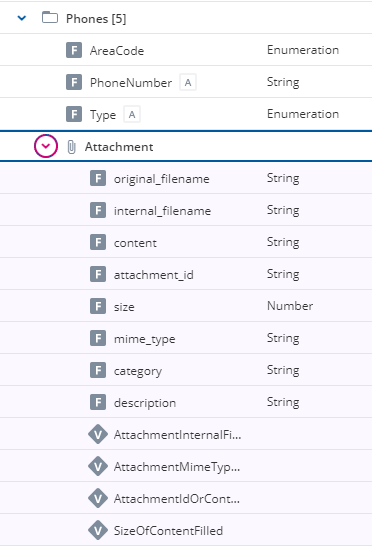
The underlying data model looks as follows:
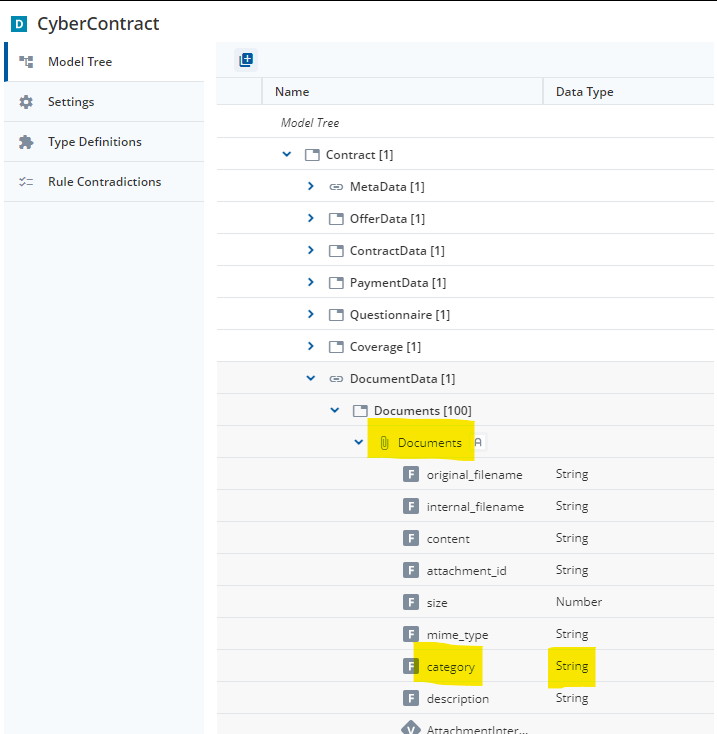
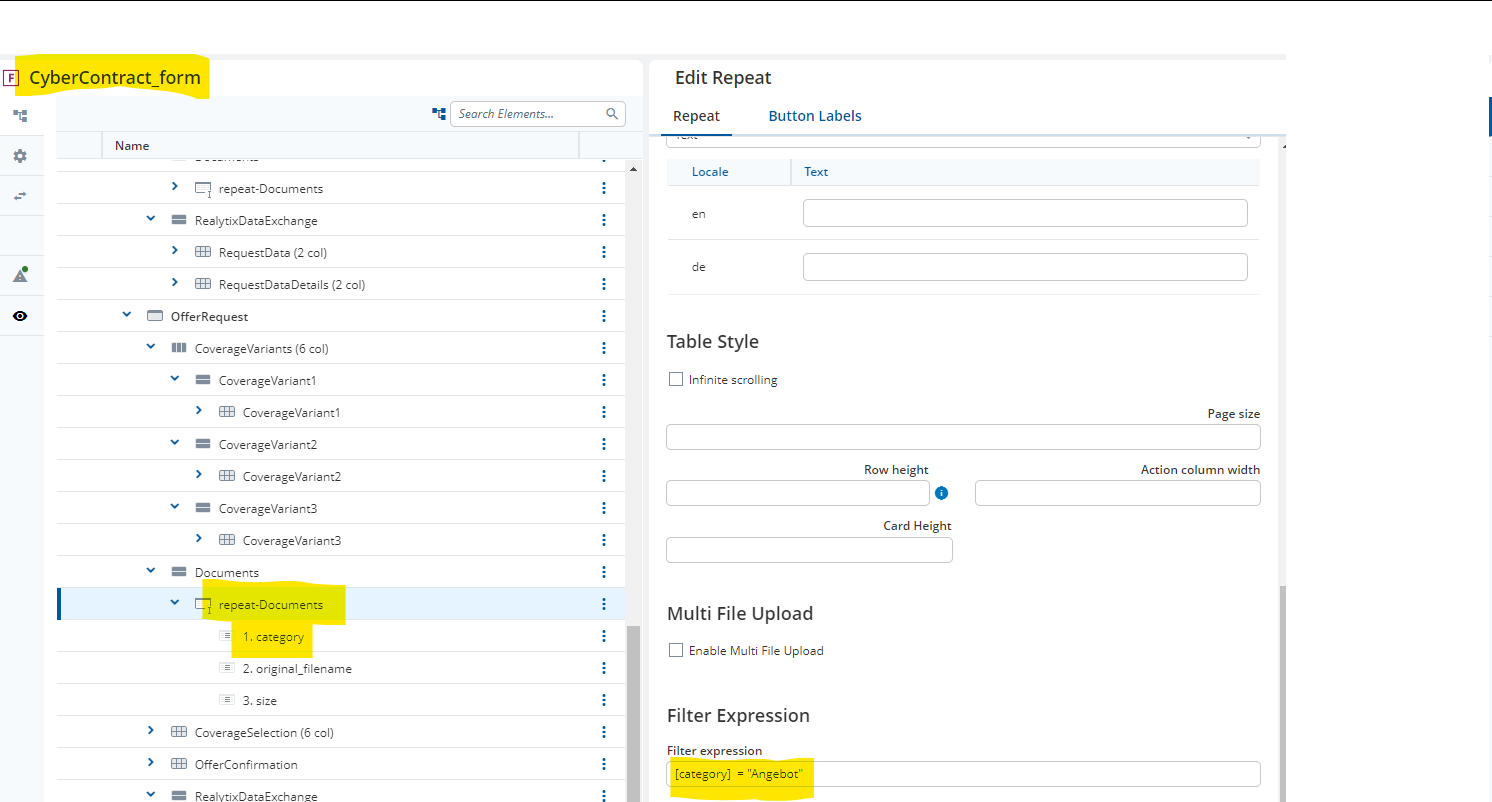
Now I am trying to filter the documents by category:
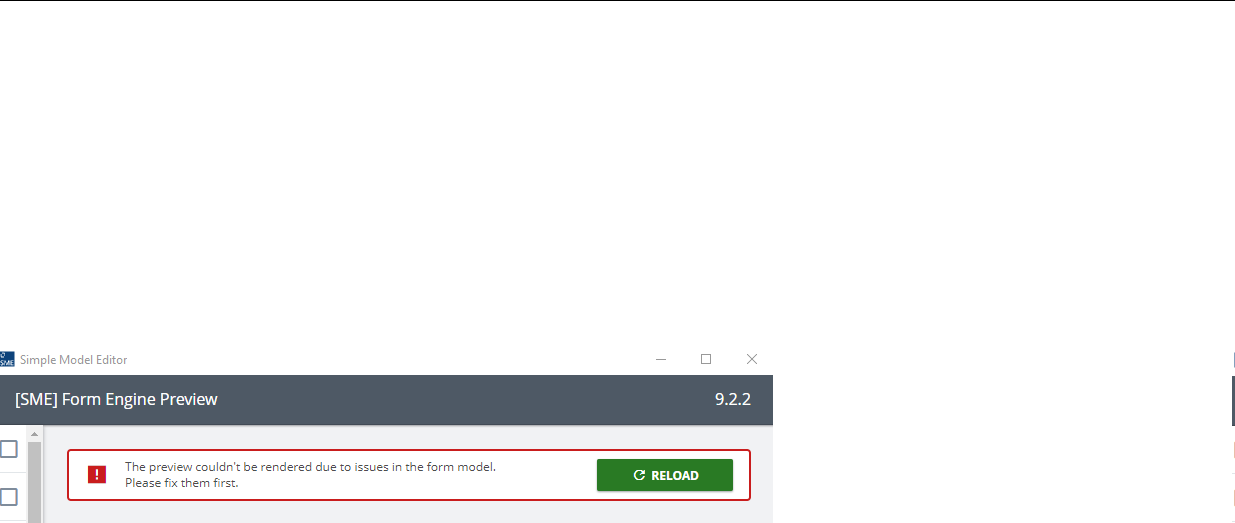
This seems to break the model:
When adding context information, I do not get any errors in the model, but when trying to open the screen in the application.
Filter expression:
kontext (Documents) { [category] } = “Angebot”
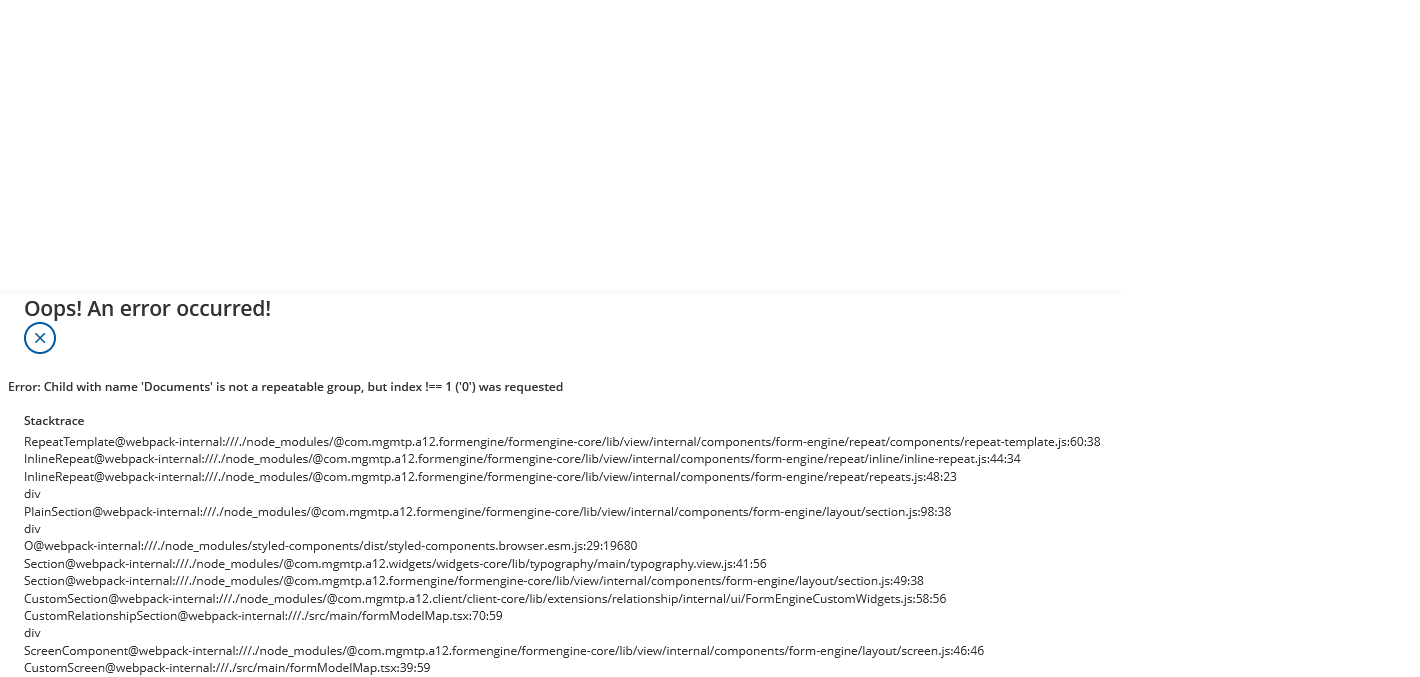
Error in application:
Adding the full context path does not work either.
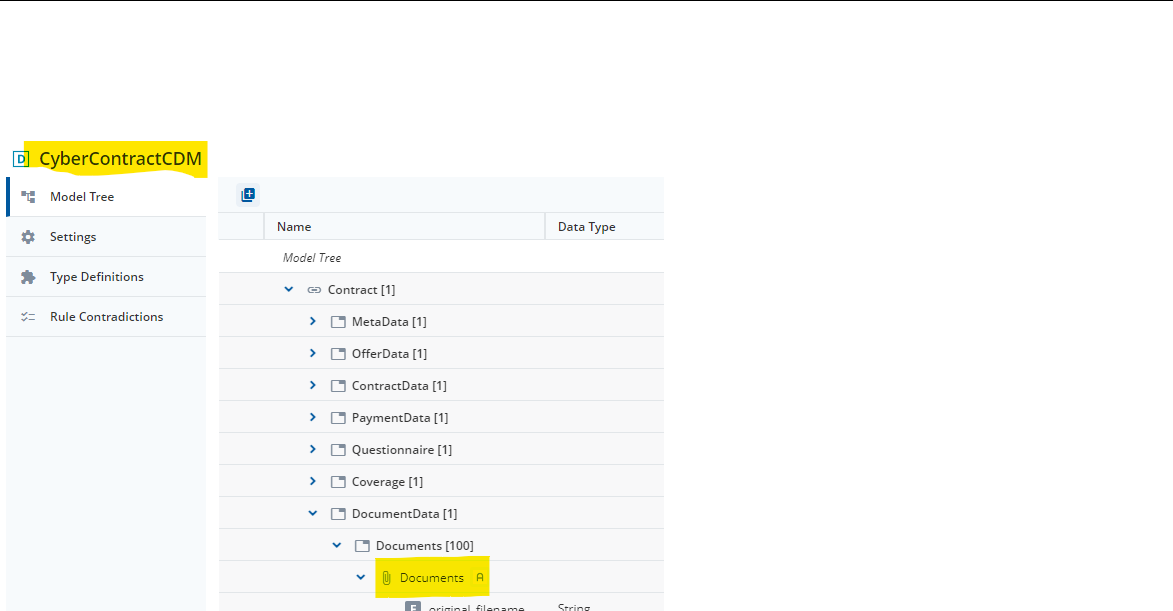
As a test, I also have renamed one of the “Documents” groups to see if the reason might be the duplicate group name in the path, but this did not help either.
Does anyone have an idea what is wrong here? Thank you for any help. 
Bernadette
Hi Bernadette,
Make sure that you are using A12 202306-ext3 or later (thanks @felix-blazing-river). If not, there is an issue with subgroup filtering.
If you are on an older version of A12 this might be a workaround:
Please not that my example is filtering based on “original_filename” instead of “category” field
- I created a helper field (FieldForExpression) in my repeat so that I am able to access data from the attachment. (Data Model)
- This helper field is filled by a computation, basically copy/pasting the value of attachment/original_filename into my helper field. (Data Model)
- The filter expression is then referencing my helper field like follows:
[FieldForExpression] = "test.png"
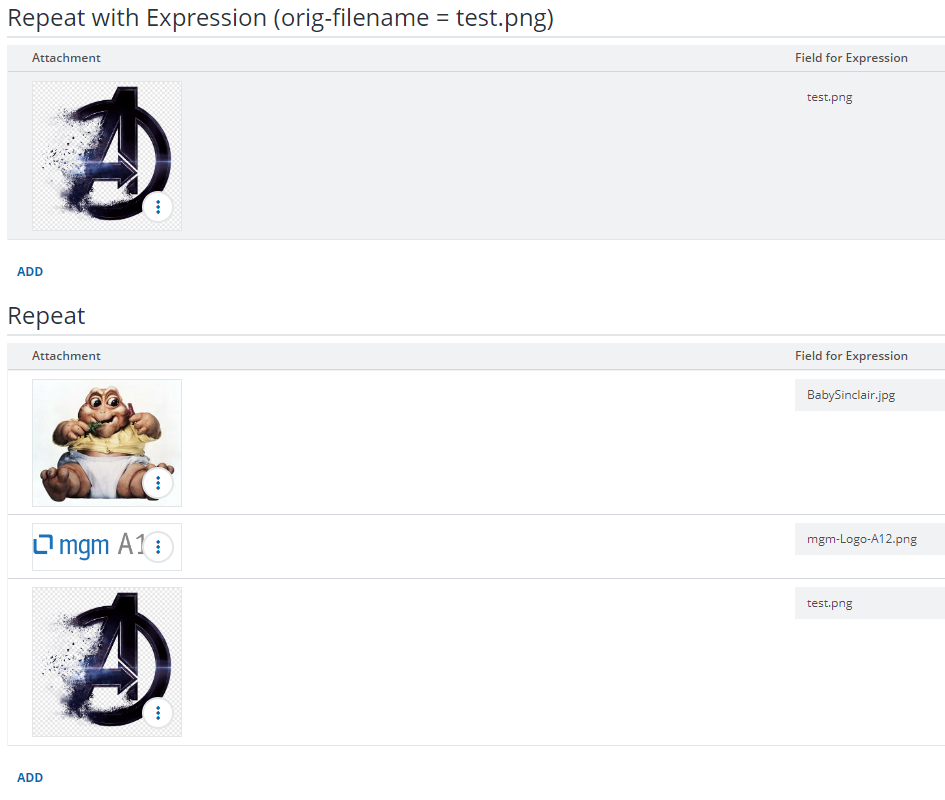
So only attachment with this file name will be displayed inside my upper repeat while the lower repeat is displaying all entries.
Best
Henner
SME 10.4.1 (A12 2023.06-ext4)
ExpressionsRepeat_DM.json (9.6 KB)
ExpressionsRepeat_FM.json (3.1 KB)
Hi Henner,
thank you for your response! The suggested workaround is working for me. 
And we are going to update the affected application to A12 2023.06 soon.
Cheers,
Bernadette
Hi @henner-grey-void , was this issue fixed in 202306-ext3? I’m trying to add filter expression to an inline repeat but got the same error. This is our A12 versions:
a12KernelVersion=29.3.2
a12FormEngineVersion=37.1.5
a12DataServicesVersion=37.1.3
Hi @hau-pure-spruce,
I did a quick test on your overall A12 version (2024.06-ext3) using the SME Form Preview. I was able to model an inline repeat with a working filter expression that is based on an attachment field (e.g. original_filename).
So yes, I think that this issue is fixed for 2023.06-ext3 and later version.
My test structure for the repeat was
and my filter expression looked like this:
kontext(Attachment){[original_filename]} = "Unicorn.jpg"
With this, I was able to display only entries with my “Unicorn.jpg” as attachment. This should work for the other attachment attributes as well.
Hi @henner-grey-void, thank you very much, I’m able to do it now. It was a mistake, I used wrong group name to access the field