Hi there,
I’d like to add buttons but also customize the “Apply” and “Commit” buttons names.
I’ve tried to use the Subheader And Footer tab but it doesn’t seem to add any button in my sub-form.
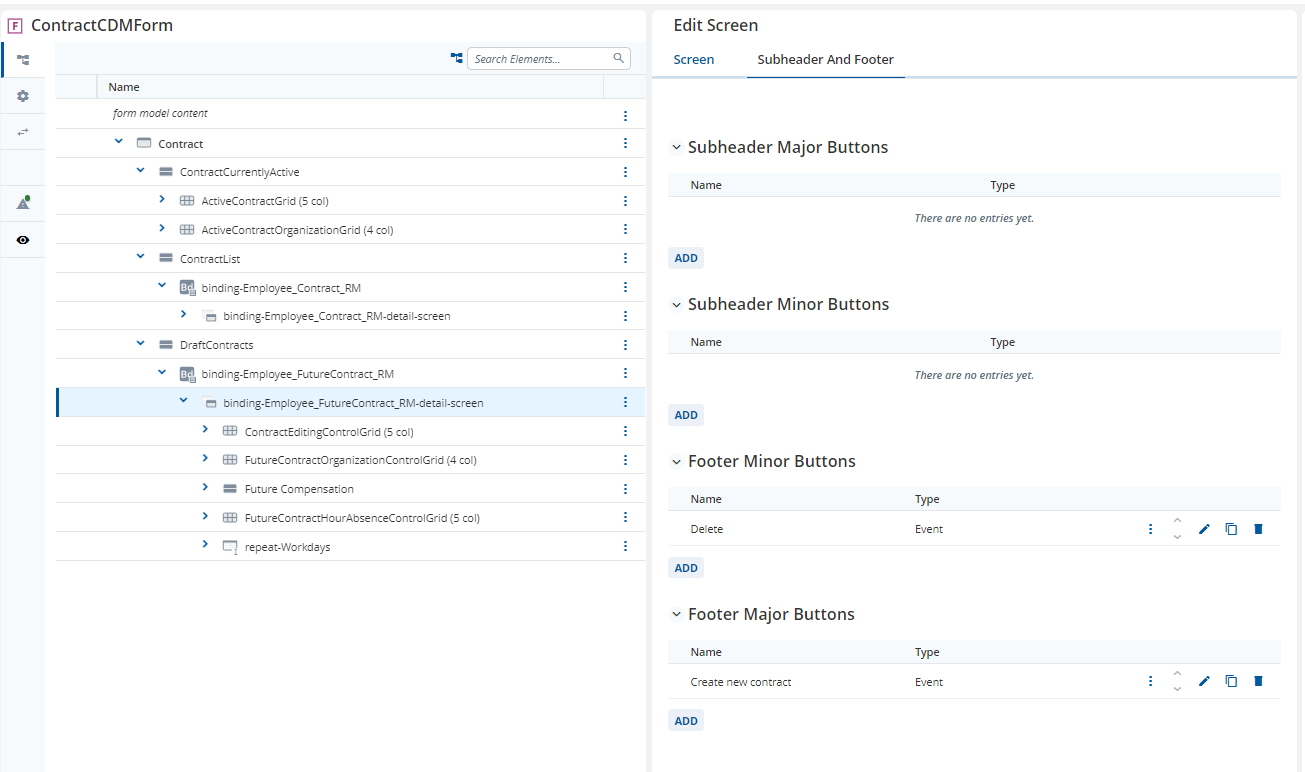
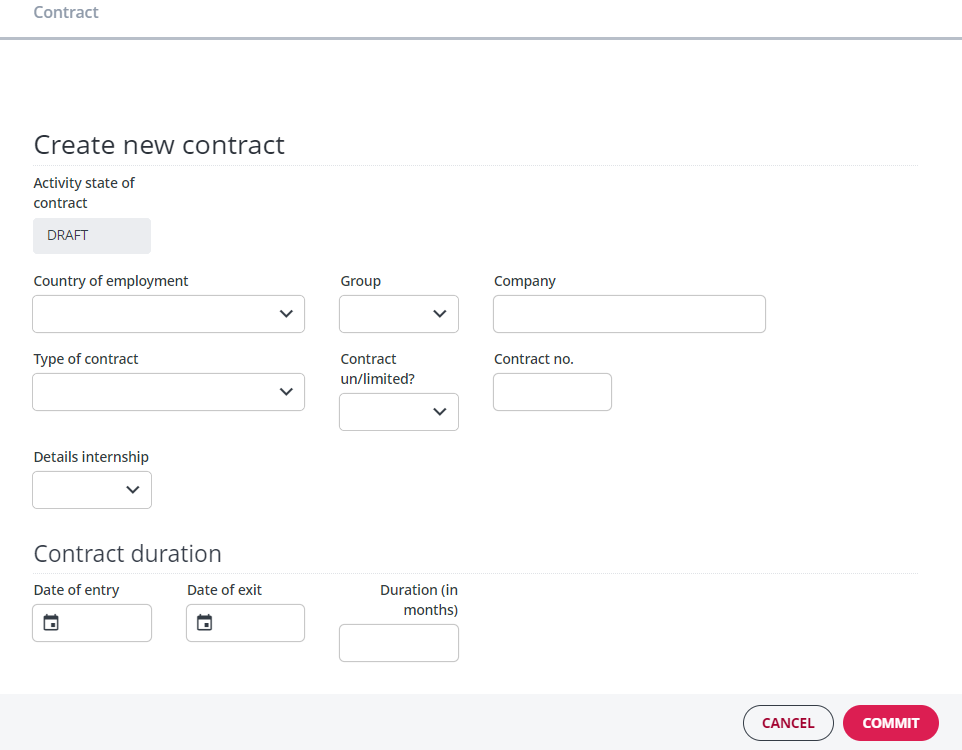
Is it possible to do so?
For normal detached repeats
You can model buttons in the detached repeat subheader as you have described by going to the subheader and footer tab. The funcitonality to model buttons in the Footer is currently being looked at in the ticket, A12-13358.
For detached repeats used as bindings on a CDM based Form
Whilst this looks like a “normal” detached repeat, it is based on completely different technology. This means that we cannot expect the same functionality. There is a ticket, A12-14729, that is addressing some of these inconsistencies. However, this means that I can offer you a different solution…
Within the Binding editor you can set the checkbox, “Use CDM Child Activities”. This allows you to model a separate Form Model which will be opened when you add or edit documents in the binding. You should be able to customize the buttoms in the Subheader and Footer of this Form Model as expected.
Hhave a look at the bullet point CDM Child Activity here.
Hi @alexis-raw-iron,
did the reply from @malcolm-silver-ice answer your question or do you need further support?
If it is solved, please, use the checkbox to mark the solution to your problem so that other users also know what helped in your case.
Denise from the Discourse team
Hi,
Sorry for having not replied.
Actually we cannot use Child Activity Form as we are using a custom vertical navigation bar.
So we created a new form that opens when clicking on a row of the binding detached repeat to override the “edit form”. This way, we could handle our buttons.