Dear all,
I’m quite lost and frustrated and hope that someone can help or suggest something that I could try, other than what I already tried.
I did some changes to an existing form-model (that go hand in hand with some prior document-model changes). There are no errors whatsoever in the SME, but when I open the preview I get:
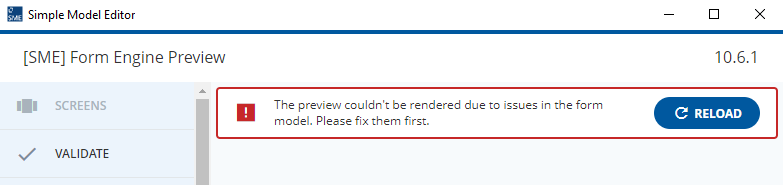
When I start my BAP application with that form-model I get the following errors in the browser console:
vendor-a12.bundle.a052c180.js?73849aa8b05b270ff931:24 core/model An error occurred during the loading of some models! {type: 'POST_PROCESSING_FAILED', message: 'Post processing for model "EventCancellation_form" failed.', source: TypeError: Cannot read properties of undefined (reading 'convertWithOnlyBasicTypeCheck')
message: "Post processing for model \"EventCancellation_form\" failed.
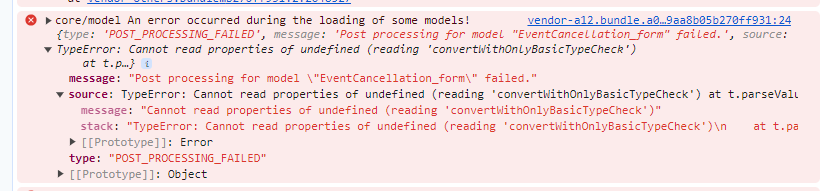
Then I tried starting the SME with logging and the only additional error message I got out of it was:
[25616:0829/172507.704:INFO:CONSOLE(425)] "Error: Internal Error: Screen "/screenDummy" was not found!", source: http://localhost:52064/vendors.e7c5bd7e9ef51c4f140c.js (425)
But I don’t have and never had a screen called screenDummy in my form-model.
Now I’m out of ideas and still have no clue what’s wrong with my form-model 
Unfortunately this is very urgent, so I’m happy for any suggestion!
Cheers,
Bianca
P.S.: The reason I’m not uploading any models here is because my setting is very complex: the underlying document model is a CDM and therefore I would need to give you all relationship models, all bindings and so on…
So my first hope would be that someone could maybe tell me to set a breakpoint somewhere in the browser console to get deeper/more detailed information, or something…