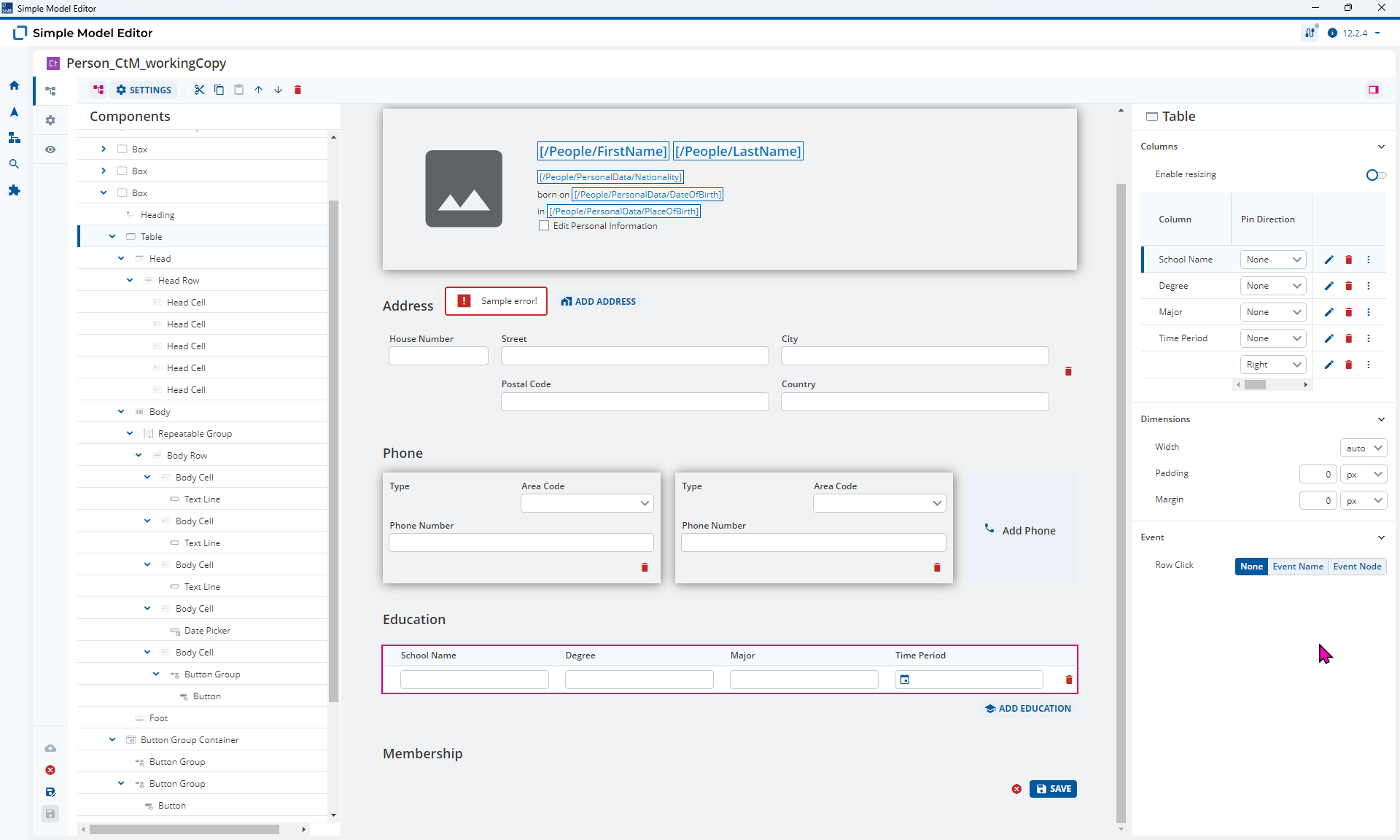
I just watched the Monthly Modeling Highlight on Dynamic Content Modeling
and @malcolm-silver-ice said that I shouldn’t use Table Elements to display dynamic data. Is this really true? 

I just watched the Monthly Modeling Highlight on Dynamic Content Modeling
and @malcolm-silver-ice said that I shouldn’t use Table Elements to display dynamic data. Is this really true?
Hi @malcolm-silver-ice thanks for asking.
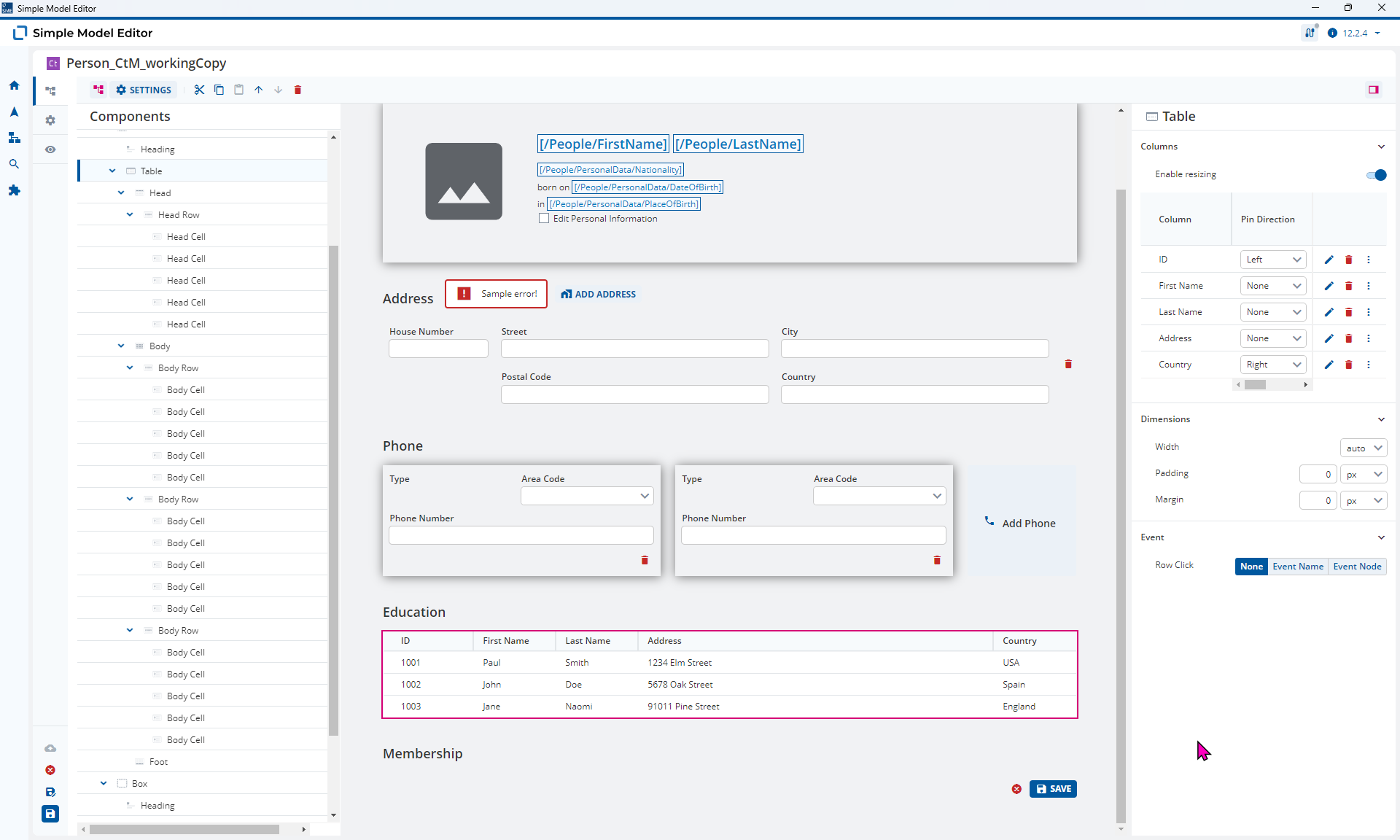
Unfortunately, you made a mistake. You can most certainly use Table Elements to display dynamic data. It’s just the modeling of this isn’t so obvious.
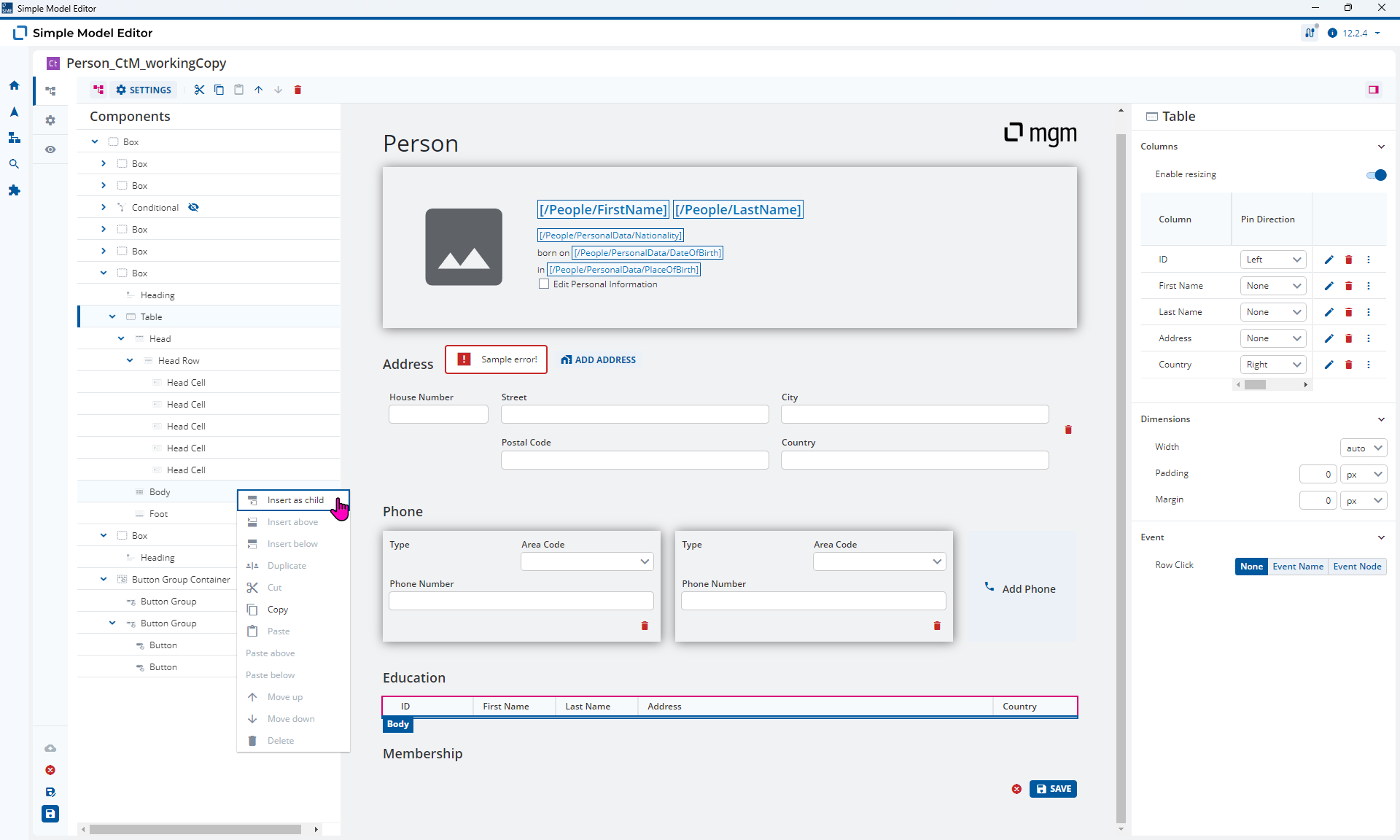
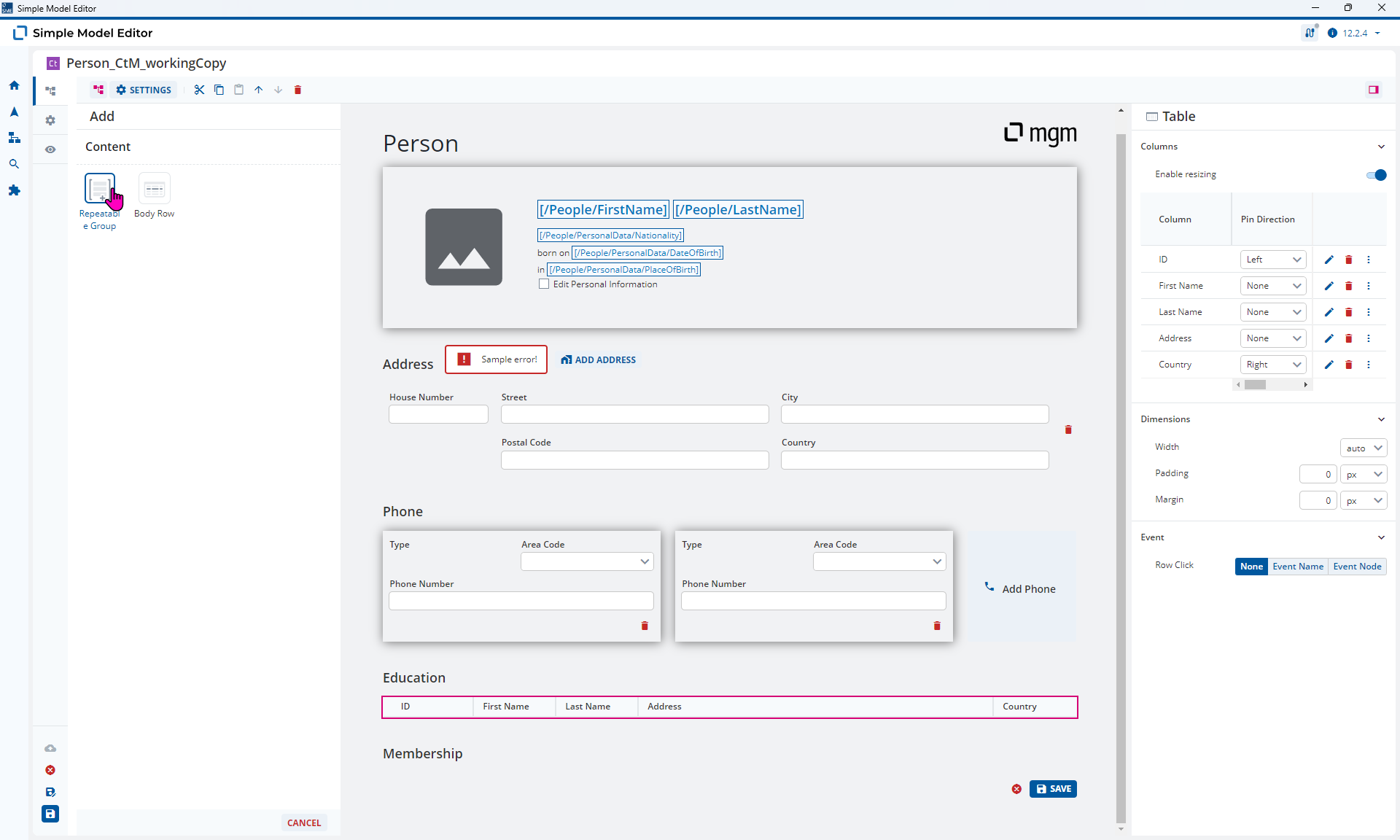
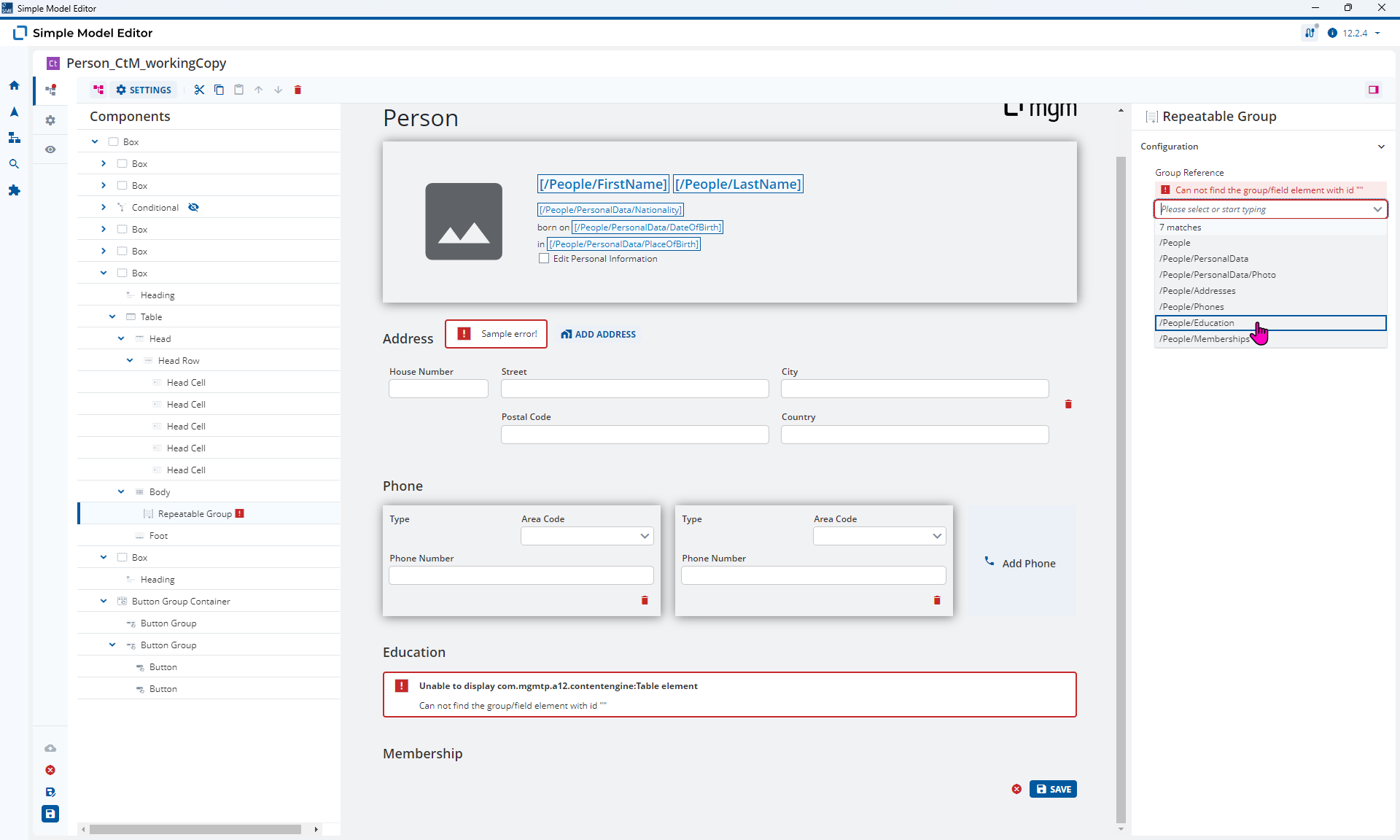
Basically you can either model a table with a static number of rows or a table with a dynamic number of rows. This is done by adding a Repeatable Group Element to the Table Body (just as you would expect). However, you can’t mix and match static and dynamic Table Body Rows so you need to delete any existing Table Body Rows first.
Here are the updated 2025.06-ext2 models for you:
Person_CtM_workingCopy.json (62.6 KB)
Person_DM.json (58.3 KB)