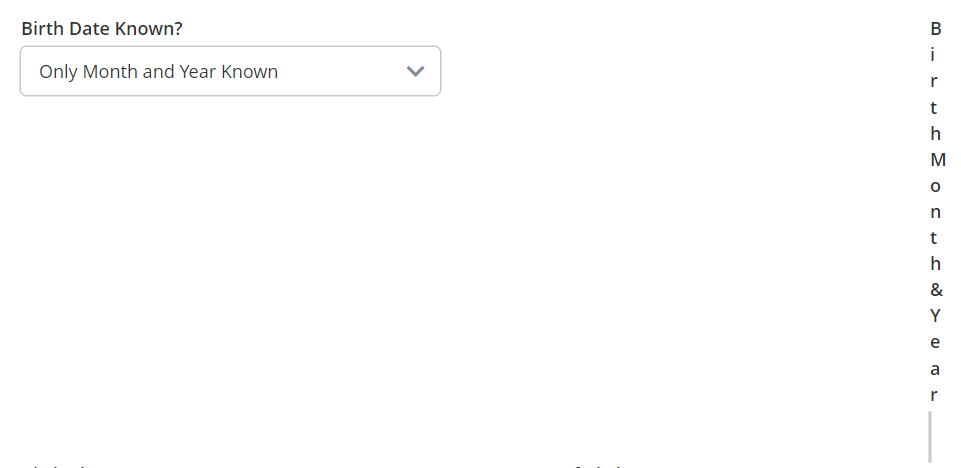
I’d like the second column in a control grid row show a different component based on a selection:
However if I put more than two components in a row, the SME rightfully complains that the grid has only two columns. I can ignore that, thinking my defined dependencies will only ever shown one other component in the row, but the result looks like this
I could put the alternative components each in a row by themselves, but then I get this ugly layout:
Hi @stephen-warm-graph
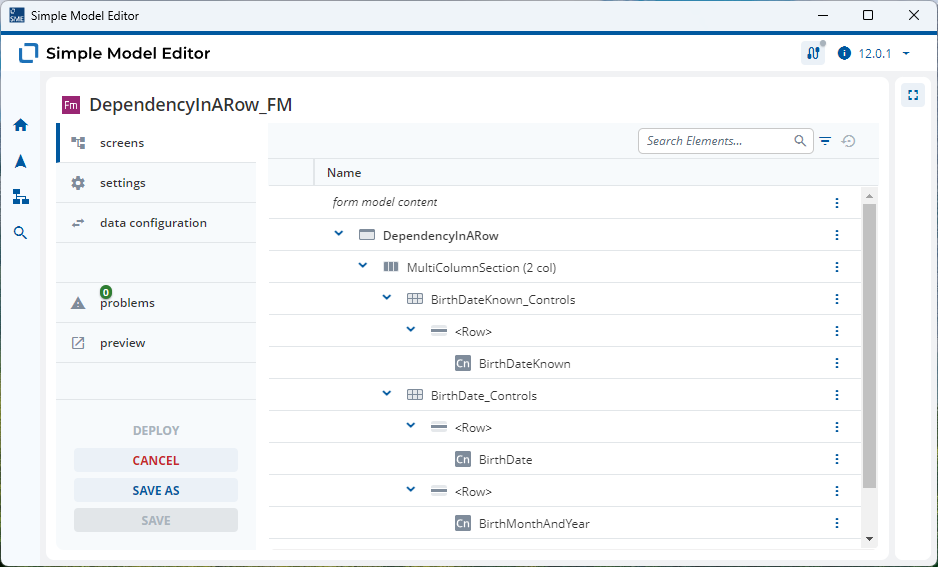
The solution to your problem is to use a Multi Column Section.
I’ve modeled this in the following 2025.06 models
DependencyInARow_DM.json (14.9 KB)
DependencyInARow_FM.json (6.4 KB)
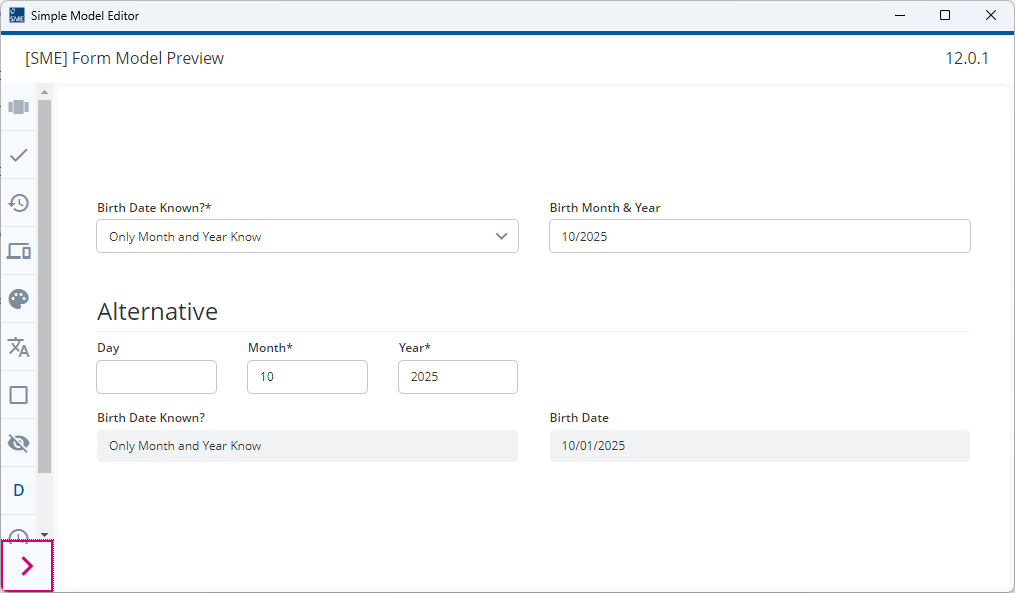
The “Birth Month & Year” and “Birth Date” Controls are in a separate Control Grid to the “Birth Date Known?” Control. The Dependent Fields are modeled as expected and as the “Birth Month & Year” and “Birth Date” Controls are now in seperate rows, the rendering issues are resolved.
I don’t know how flexible your requirements are but I’ve added an alternative solution that looks at the problem from a different angle.
You could give the end-user the option to enter the day, month and year seperately. The validation rules can then be modeled to cover your two options (mmYYYY or DDmmYYYY) and if necessary the Enumeration Value and Birth Date calculated. This solution removes the need to have a dependency.