May I know if there is possibility to set conditional styling to highlight a tab with A12 UI Designer tool?
Usecase: Users want to be alert by highlighting a tab if the important data in the tab is filled.
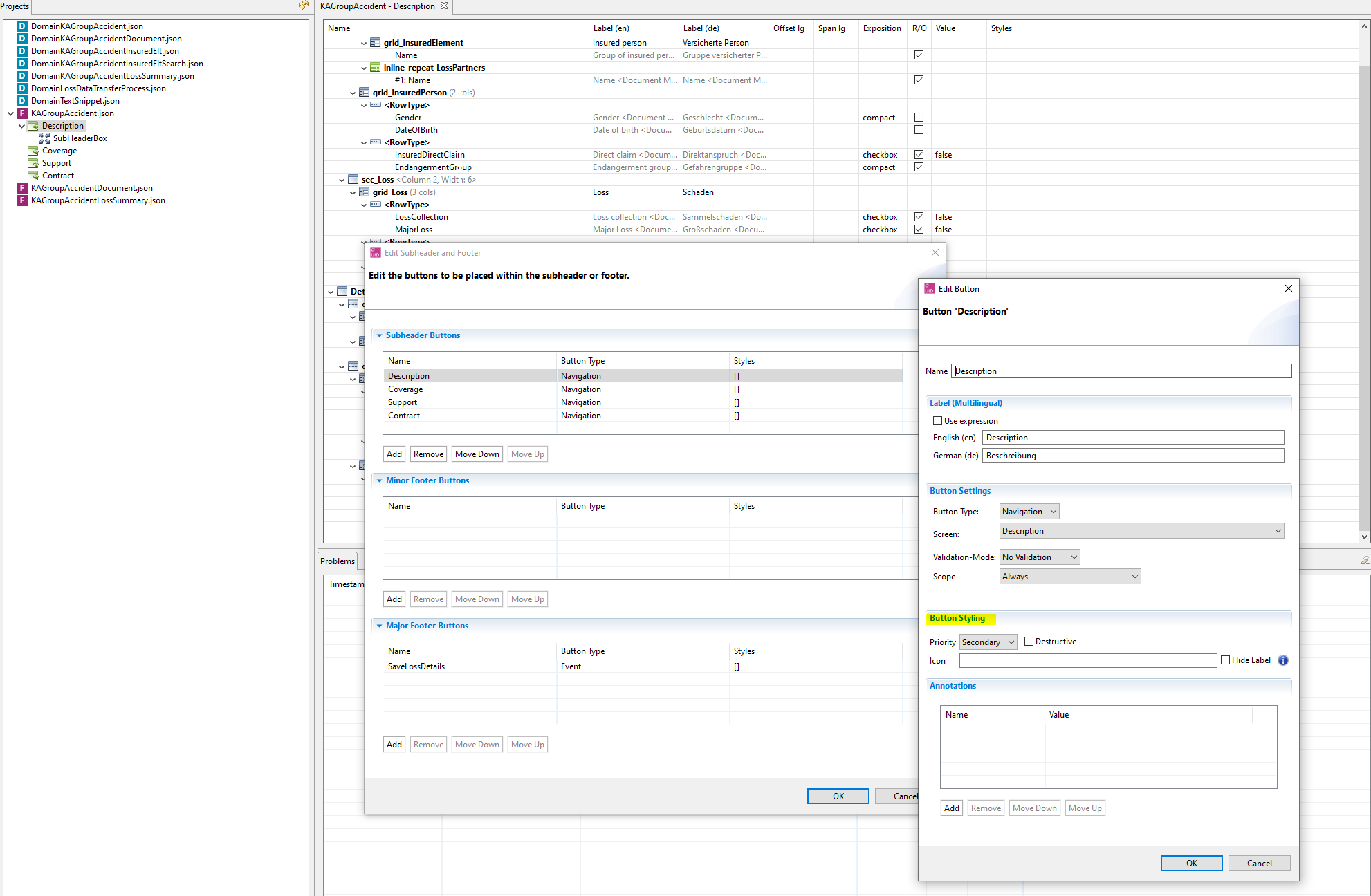
It would be nice if the button styling can be conditionally set depending on an element.
Hello @huyen-gentle-brush, welcome back and thanks for your post within A12 discourse! We’ve forwarded your request to our UI Designer team. As they are currently very busy, there may be delays in processing. We apologize for this and hope to be able to provide an answer in a timely manner.
Your discourse team
Hi,
There is currently no feature to conditionally set styles. With styles I mean the generic “styles” feature.
The section in the UID dialog that you highlighted is specifically for buttons and has no effect at the moment, because these buttons are rendered as menu items.
That is unfortunately also the reason, why you can’t customize these buttons in the widget map…
You should be able to output conditional CSS based on the model ID (in your own React component). Every menu item has an HTML ID.
Hope that helps,
Baschir