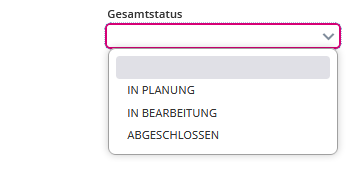
Is this through the form engine or are you using the select as a widget? If it’s a widget: you can set additional CSS styles for each item. If you are using it through the form engine, I’m not sure if it can be modeled. If not, you would have to use a custom widget map and replace the standard a12 select widget with a customized one that will add the CSS styles depending on the items.
Thank you @sven-fierce-needle 
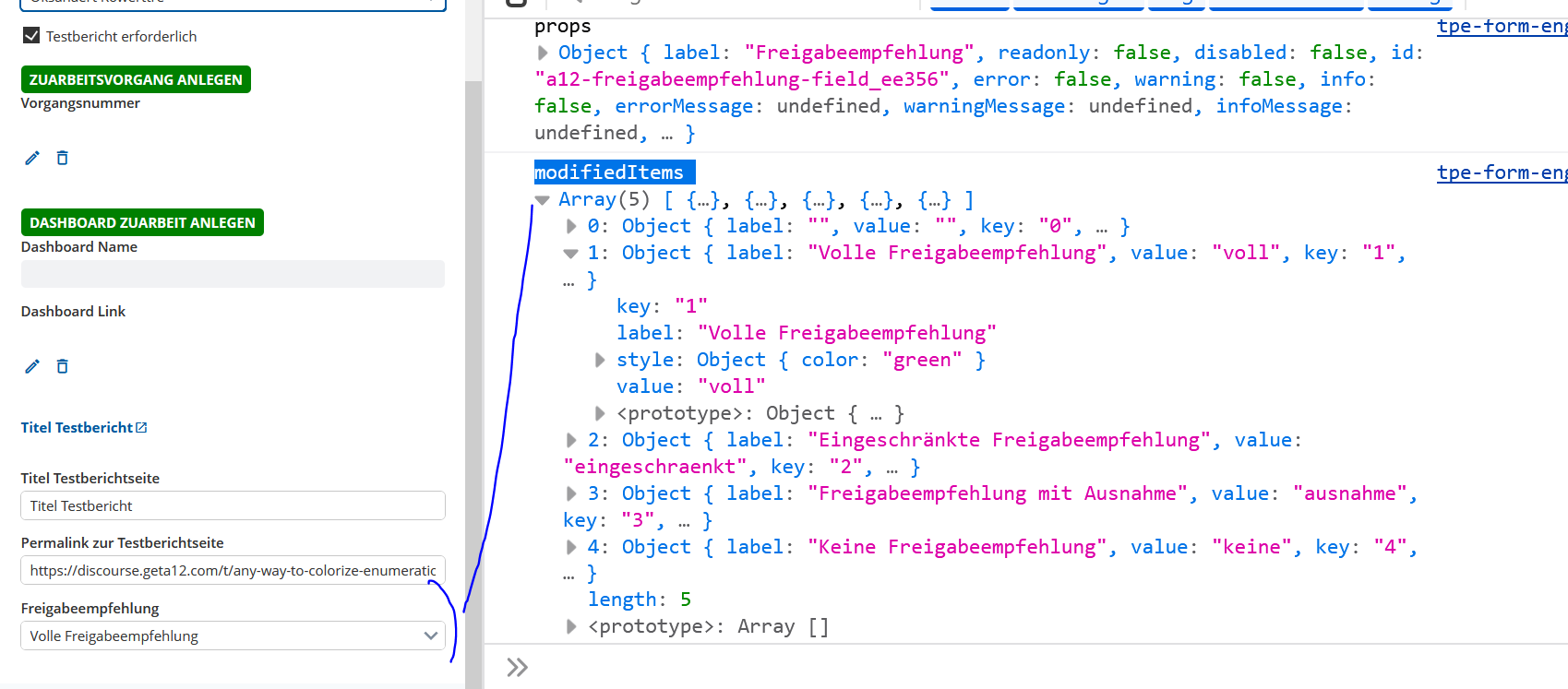
I am using the form engine. I will try your suggestion with the Widget Map and let you know !
Something like this should work
export const CustomWidgetMap: WidgetMap = {
	...DefaultWidgetMap,
	Select: CustomSelect,
};

function getStyleForLabel(label: string): React.CSSProperties | undefined {
	switch (label) {
		case "a":
			return { color: "red" };
		default:
			return undefined;
	}
}

function setStyleForItem(item: SelectItem): SelectItem {
	const style = getStyleForLabel(item.label);
	return {
		...item,
		style,
	};
}

export function CustomSelect(props: SelectProps) {
	const modifiedItems = props.items.map(setStyleForItem);
	return <Select {...props} items={modifiedItems} />;
}```
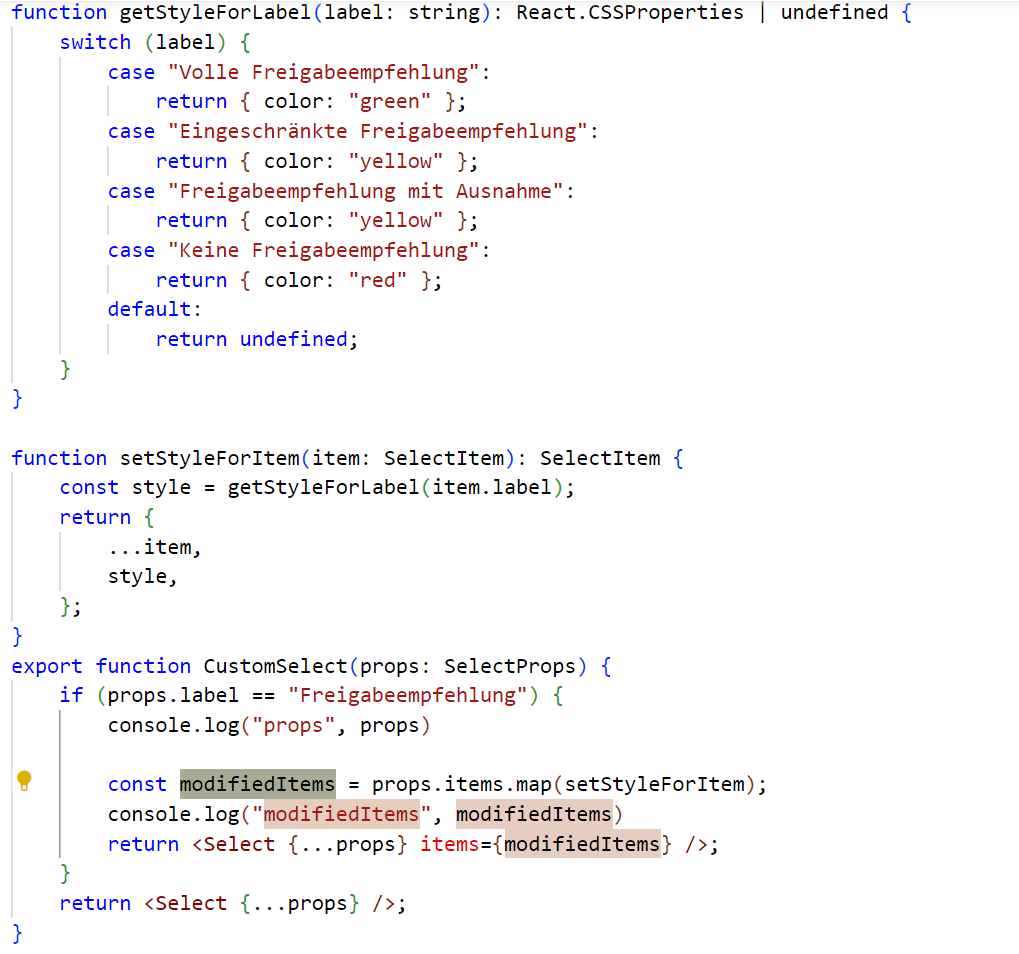
The look of native <option> elements depends on the browser/OS and can not be styled reliably. I have tested it on my system and apparently you can style “color” and “background-color” on Linux/Chrome, but the same code does not work on Linux/Firefox for example.
For that reason, Widgets provides a CustomSelect component. It is not styled 100% the same though, but maybe you can use it. You can set the “useCustomView” property on the <Select> and your code should work.
I set the Property useCustomView=true on my Select component and it worked! Thank you @tim-deep-thread and @sven-fierce-needle !
One last question:
The enumeration values are now colored. But when I select one of them, the selected value is again shown in black. I´ve experimented around in the WidgetMap, but with no result. What must I do, so that the selected value keeps the same color?
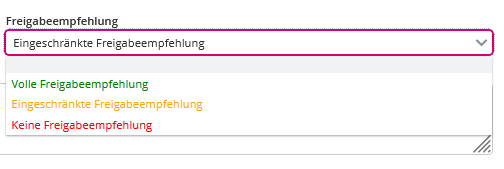
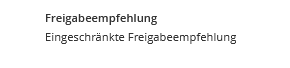
Basically what I want, is that the color of the selected value remains in the Read-Only mode: