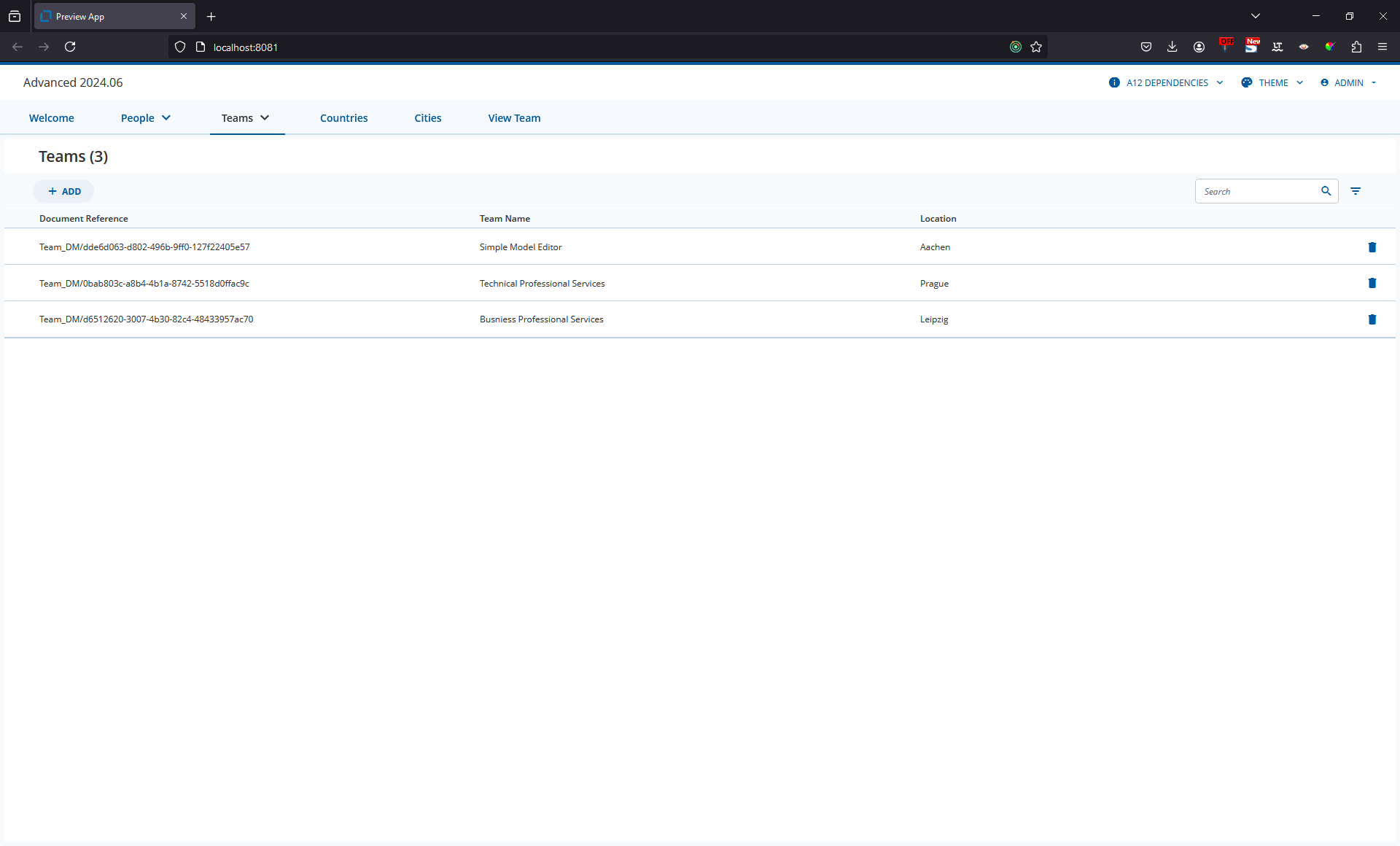
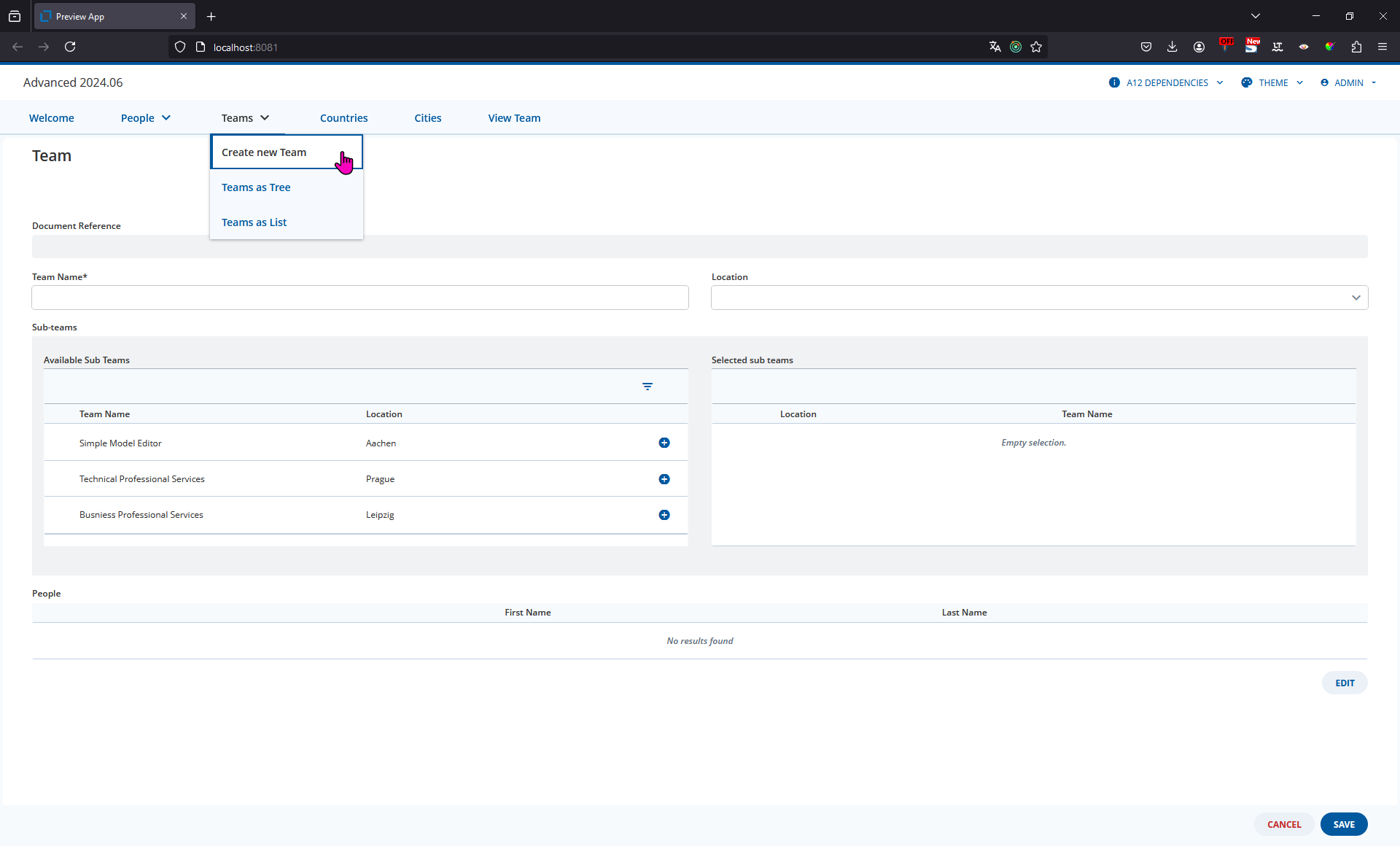
Yes, you can display a form directly from the Navigation Menu in the Application Frame. We already have an example of this type of Application Modeling in the “advanced” workspace in the “Teams” Menu item.
When you Click on “Create new Team” we open a blank Team Form which the user can complete.
Your use-case appears to be similar. In addition to showing the Form without an Overview, I understand that you want to:
- Show a Read-Only Form
- Load a specific Document
If you adapt your Application Model as we have in the “advanced” workspace, you will create a Module with the following Activity Descriptor:
{
  "model": "Team_DM",
  "engine": "FormEngine",
  "instance": "Team_DM/d6512620-3007-4b30-82c4-48433957ac70",
  "menuEntry": "ViewTeamModule"
}
We add a Flow to this Module as normal and then a single Scene for the Form.
The Match Conditions for this Scene should match the Activity Descriptor that you’ve just modeled.
You can then use a “REGION_CLEAR” On Enter to set a new layout. In the “advanced” workspace, this sets the Layout to “Stack” so that only the Form is displayed.
You can then add the Form with a “VIEW_ADD” On Enter. The pure modeling solution to display a readonly Form is to:
- Copy your exisiting Form Model
- Set all Control Grids and Repeats to readonly
- Modify any Bindings so that they use TableList components and may not be edited
- Remove any Buttons that suggest that the data can be updated, e.g. Save
As you can see, it’s a bit of work but it gives you full control over the look and feel of this readonly Form.
Once you’ve done this you can open a single Document in a readonly Form
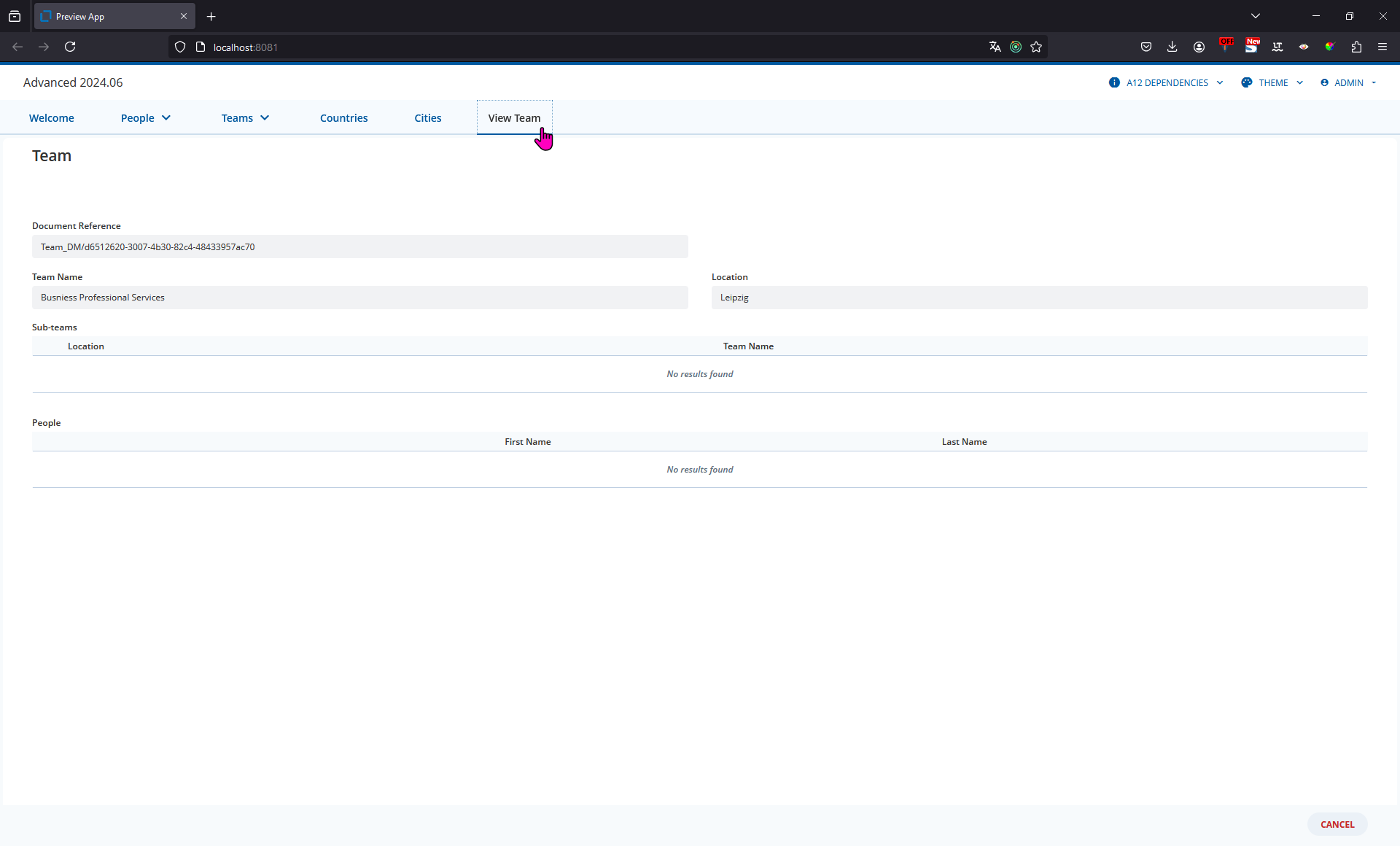
Here are the Models that you can add to a 2024.06 version of the advanced Workspace.
PreviewApp_AM.json (39.6 KB)
ROTeam_FM.json (5.8 KB)
Please note
- The Application Model specifies a Document in the “instance” of the Activity Descriptor and Match Conditions. I took the id from the running Application by looking at the metadata (see below)
- You will need to update this “instance” to a docRef from your system
- We do not recommend doing this in the majority of use-cases as you are hardwiring the application to always and only show this document. You cannot select the document to be displayed.